





Supports
Solid Edge ST7-2023
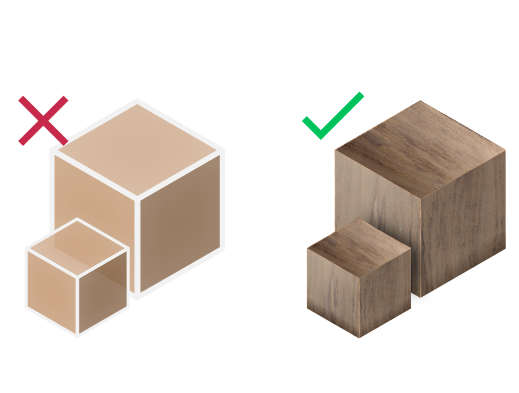
Materials Support
Export your models with their materials
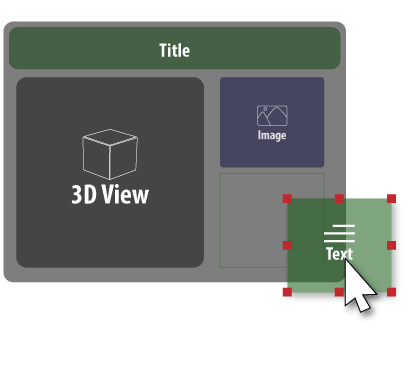
Template Designer
for designing your own taste of templates of pdf pages
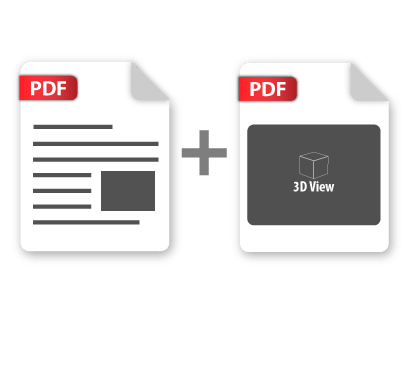
Merge PDF
merge multiple 3d pdf files together


Yearly Subscribtion
Solid Edge 3D PDF Exporter
Solid Edge
3D PDF Exporter

How to get it and use it?
- Download the plugin and install it.
- Run Solid Edge.
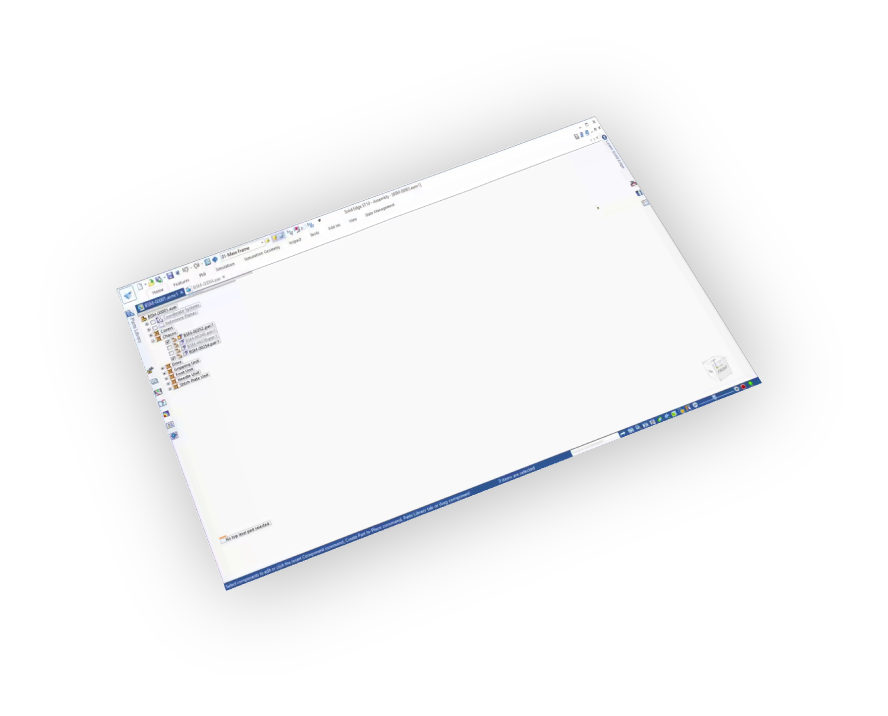
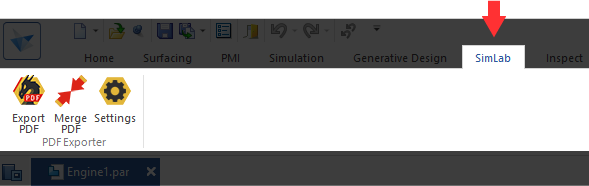
- Go to SimLab Tab and find 3d pdf Exporter Tab as shown in the image.
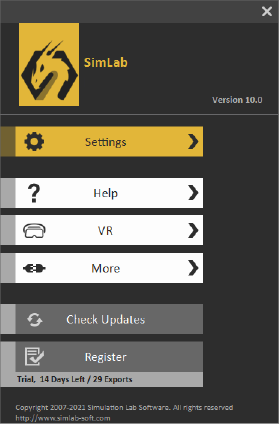
- To obtain a trial license, open settings then follow the steps shown here.

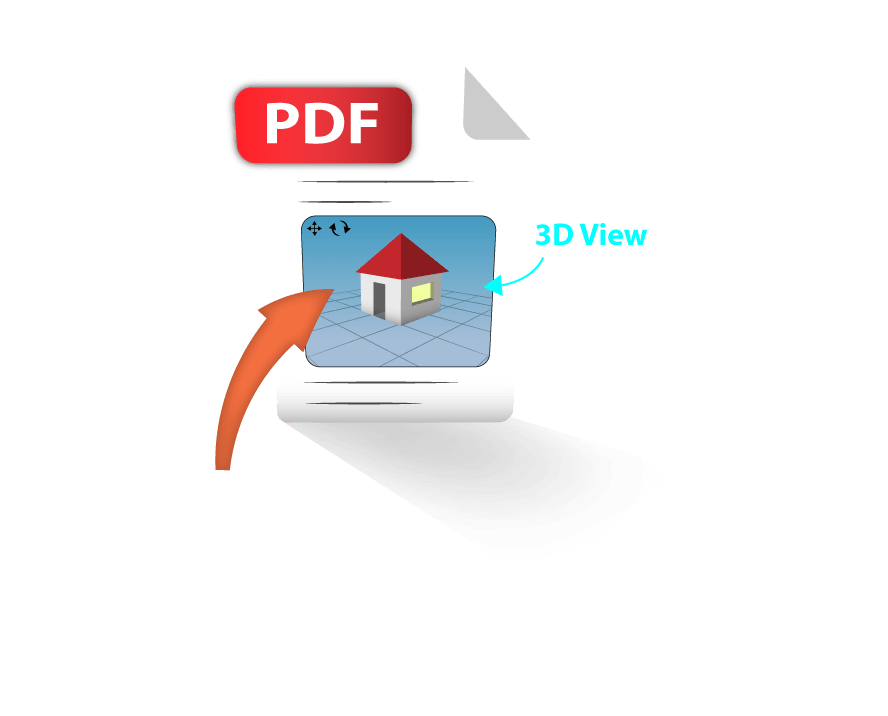
PDF from Maya is a software component (Add-in) that adds a sharing feature to Maya application. It allows the users to share their designs in 3D PDF (Portable Document Format) technology by embeding 3D views in .PDF files; the format is natively supported and interactively visualized by the free version of Adobe Acrobat Reader.

FAQ
- Do I need specific software to open 3D PDF files
The 3d pdf files are natively supported on the official free Adobe Acrobat Reader.
- Is animation supported in 3D PDF files
Yes, it is.
- Does 3D PDF files support texture?
Yes, it supports material and textures.
- How can I customize a 3D PDF file?
-
Go to SimLab Tab and find 3D PDF exporter Tab and then click on Settings
-
Click on Setting in the image below.
-
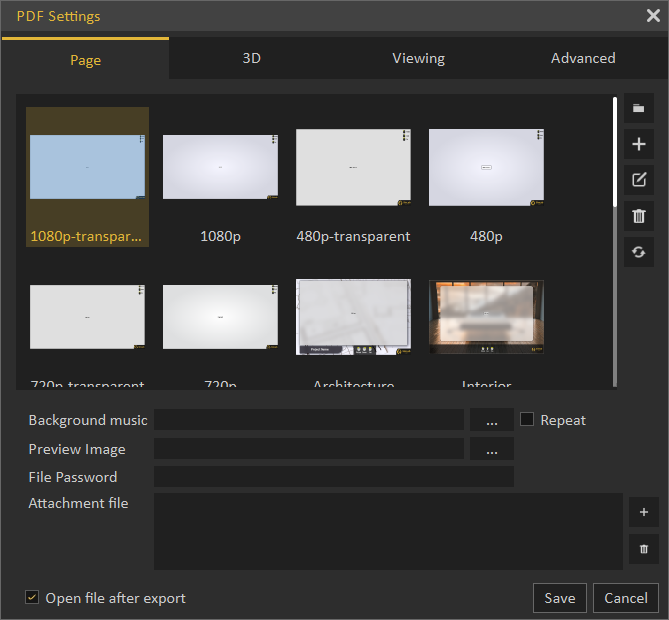
The 3d pdf settings can be customized from the panel below
- Does it support U3D or pre-based files?
Yes, it supports both.
- What information is exported from Solid Edge to 3d pdf model?
The plugin transfers geometries, materials, and textures.
- What versions of Solid Edge are supported?
The plugin supports Solid Edge ST7-2023, it works on Windows.
- What control do I have over the exported 3d pdf?
Defaults should work automatically for most of the models, the setting of the plugin still allows you to control the scale of the model, and the up vector to be used.
Subscription licenses:
- Will I be able to install the latest version while I have a subscription license?
Yes, a subscription license will make you always up to date with the latest version.
- What happens when my subscription ends?
You can renew your subscription ( auto renewal option is available ), or you can cancel it.
- How can I activate my license?
After buying a subscription you will get a key, follow the steps described on the licensing page.
If you face any problem, please send an email to license@simlab-soft.com
Trial licenses:
- How to request a trial license? and for how long it would be valid?
Check this page for step by step instructions on how to request and activate a trial license.
Trial licenses are valid for 14 days or 30 trials whichever comes first.