

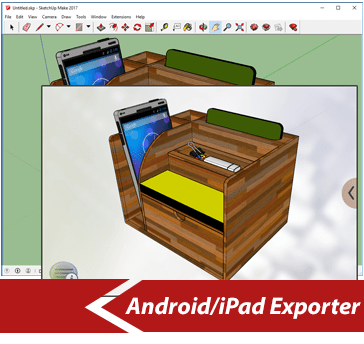
SimLab Android / iPad Exporter is a plugin for SketchUp.
SimLab Android / iPad exporter for SketchUp, enables SketchUp users to export SketchUp models in *.zim file format. These files are readable by the free application SimLab CAD Viewer for
iPad / iPhone and Android.
The plugin is supported on SketchUp 2013, 2014, 2015, 2016, 2017, 2018, 2019, and SketchUp 8 on Windows and Mac.

DOWNLOAD ANDROID/iPad EXPORTER PLUGIN ON YOUR DEVICE. FREE TRIAL.
SimLab Plugins are the right option for users who are looking for a specific feature to complete their 3D design application.



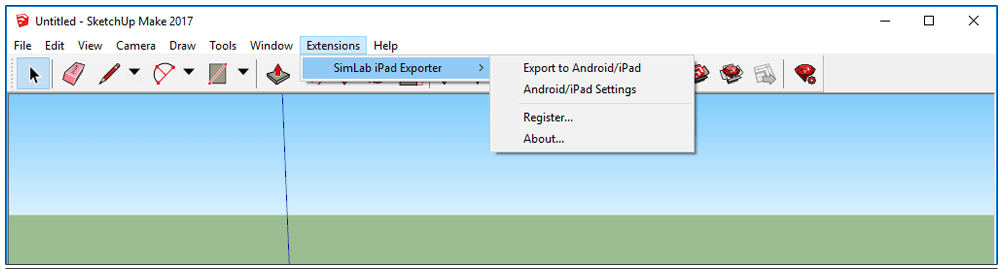
 You can request a free trial for using all features of the plugin. Trial license works for 30 times or two weeks


Users who already have a valid license for the old version of the plugin, can download from here.
The plugin is supported on SketchUp 2018

The plugin is supported on SketchUp 2017

The plugin is supported on SketchUp 2016

The plugin is supported on SketchUp 2015

64 Bit
32 Bit
The plugin is supported on SketchUp 2014

32 Bit