




Why SimLab Composer!
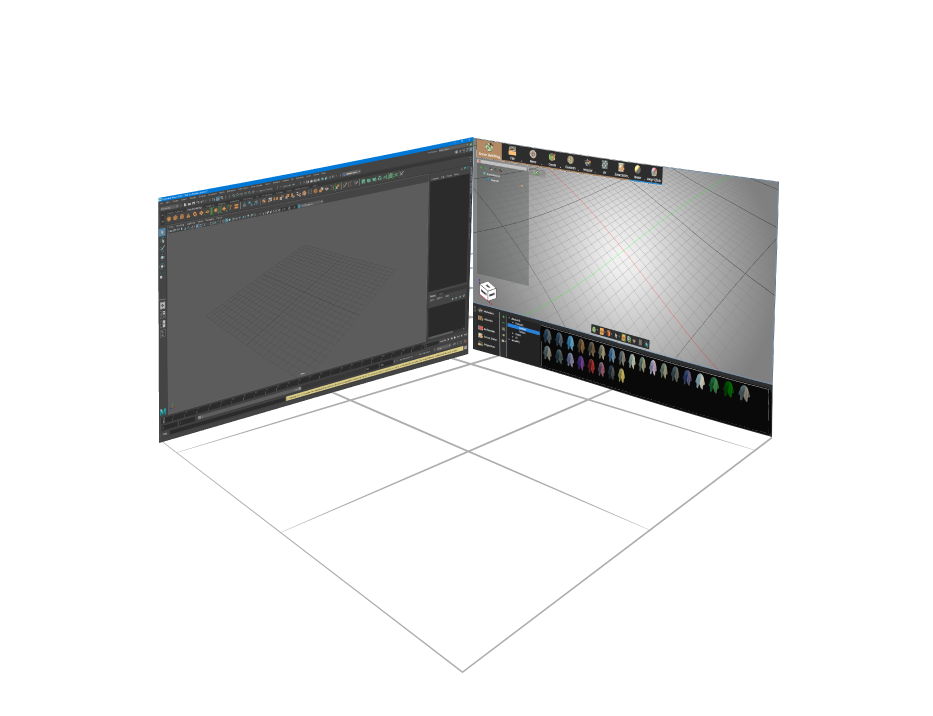
SimLab Composer integration plug-in for Rhino is a free tool that acts as a middle layer between Rhino and SimLab Composer app. It creates an active link for keeping the design shared and the data synchronized between Rhino and SimLab Composer.
SimLab Composer is designed mainly to create the most interactive visualization and output variations you need out of your designs, SimLab composer is an easy-to-learn and easy-to-use program, and with SimLab integration there is no need to export and import the model each time, every design step on Rhino will be updated inside Composer while keeping Composer’s modifications.

VR
SimLab Composer makes it easy to create advanced VR experiences from Maya models, In a few minutes you can create interactive VR experiences.

Rendering
Render your designs in a very fast and realistic progressive renderer with different outputs: Images, videos and animations, 360 images and more.

3DPDF
Share your work with everyone in a very comprehensive way by embedding 3D views inside PDF files

TextureBaking
Apply materials and bake textures to give a very realistic look while viewing the design especially while sharing in 3d PDF and WebGL.

How to get it and use it?
- Download the plugin and install it.
- Run Rhino.
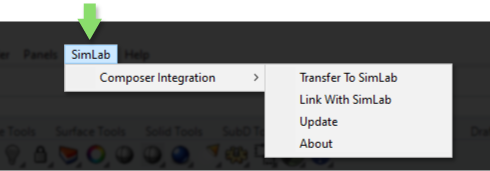
- Go to SimLab Tab and find Composer integration Tab as shown in the image.
This tutorial shows the new integration between Rhino and SimLab Composer, you Render rhino models really fast with SimLab Composer.

FAQ
- What versions of Rhino are supported?
The plugin supports Rhino latest version, it works on Windows.