
Cloud & Web 3D Experiences
Design, export, and publish interactive 3D experiences straight to the web and cloud.
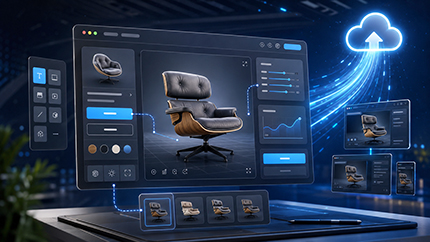
Interactive WebGL Designer
Design web layouts with text and buttons that control embedded 3D models. Build inside VR Studio and publish instantly to the cloud.
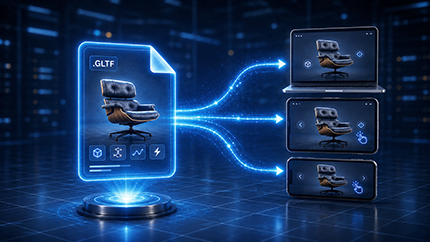
Interactive GLTF Export
Export standalone 3D assets that retain all internal interactivity, logic, and event triggers natively at the file level.
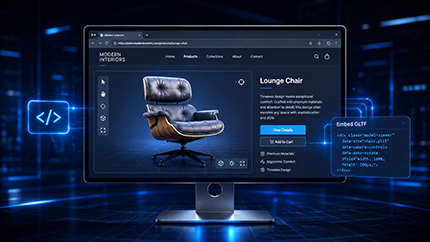
Embedding GLTF
Seamlessly integrate interactive web layouts created in VR Studio directly into external websites using clean, embeddable code.

Immersive XR Interaction & Simulation Logic
Natural, hands-on interaction and smart logic tools for lifelike VR simulations.

Grab & Grabbable Sequence Improvements
Apply Grabbable Object properties and Grabbable Sequences to a single asset simultaneously, enabling complex, multi-layered manual interactions on interconnected object parts.
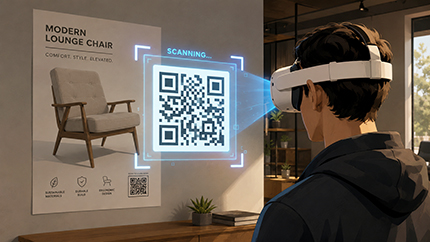
VR Runtime QR Code Interactivity
Scan physical or virtual QR codes during simulations to read data strings and dynamically trigger context-specific events.
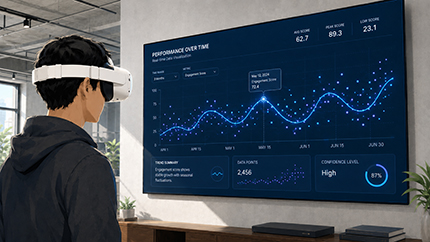
Dynamic Charts Plugin
Generate interactive 2D and 3D data visualization charts live in VR by reading external .csv data files at runtime.
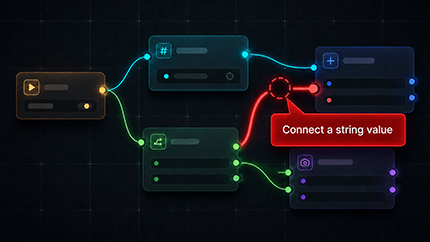
Training Builder Error Diagnostics
Catch broken logic strings, loops, and faulty triggers instantly with an automated workspace troubleshooter before running simulations.
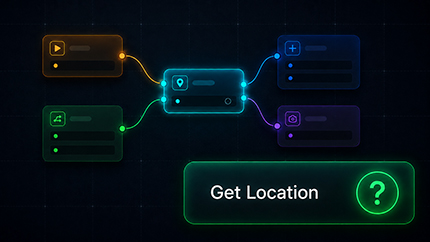
Training Builder Quick Help
Access instantaneous, context-sensitive documentation and tool tips directly from within the logic design canvas.
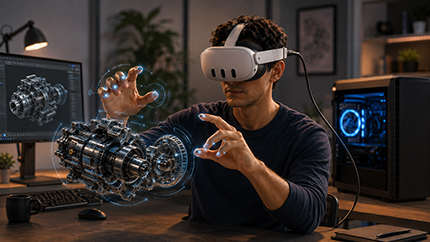
Quest Hand Tracking in PC-VR
Utilize native Meta Quest hand tracking seamlessly while streaming heavy, high-fidelity experiences via tethered PC-VR mode.

Hand Attachment Tools
Pin 3D objects or custom animation sequences directly to virtual hands to ensure they follow and move perfectly with the player's hands.

Advanced Scene Rigging & Animation
Pose, animate, and visualize complex motion with advanced rigging tools.
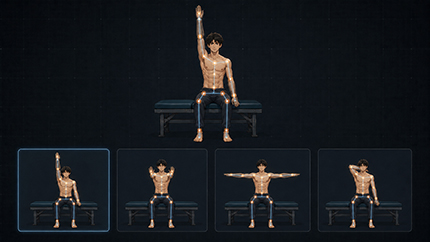
Flexible Object Scene States
Capture and save static posture snapshots for rigged joint systems like characters directly into Scene States without timeline animations.
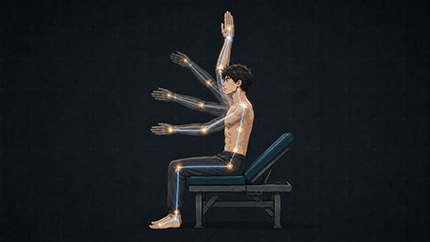
Animate to Sequence (Advanced Blend)
Blend animations smoothly from the character's current active pose into a new clip, completely eliminating visual snapping to T-poses.

Dynamic Curves (Motion Trails)
Plot procedural curves based on spatial coordinates in VR, perfect for creating visual motion trails to analyze kinematic paths.
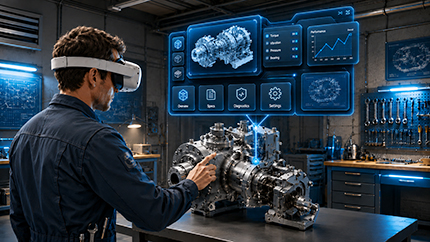
Advanced Compound Billboards
Convert complex, multi-object interactive assemblies like menus into a single billboard that dynamically tracks and faces the user's view.
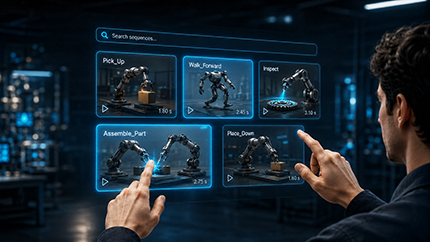
Animation Sequences Management
Streamline complex timelines by selecting multiple animation clips simultaneously and using a built-in search tool to quickly isolate specific sequences.

Platform Workspace & Performance Optimization
Faster workspace, smarter learning, and optimized performance across every device.
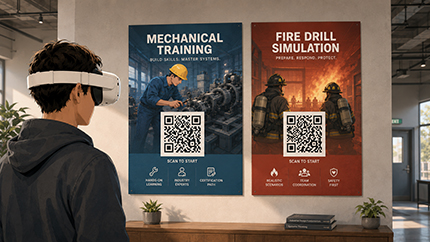
Quest 3 Instant QR Launch
Load VR experiences instantly on Meta Quest 3 by scanning a QR code, completely bypassing the account login process.
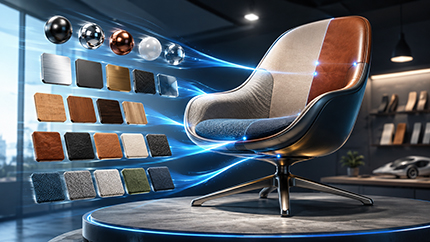
Scene Materials Dialogue Overhaul
Experience a redesigned material manager that indexes assets efficiently, delivering near-instant load times without application stalling.
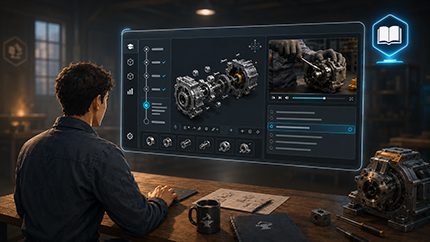
Skill Forge Platform
A built-in learning platform to master SimLab VR Studio from fundamentals to advanced skills, featuring progress tracking and live-updating tutorials.
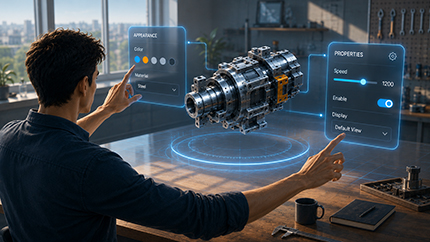
VR Panel Designer
Quickly sketch, scale, and layout spatial menus and user interfaces tailored specifically for immersive environments.
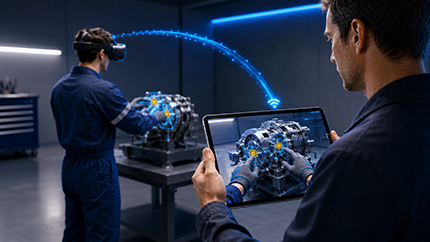
Observe Mode in XR
Allow instructors or spectators to monitor an active XR session by streaming the user's exact first-person viewpoint directly to another device.
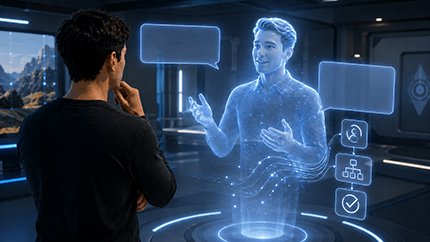
RealTime AI Agent
Embed high-performance AI agents into VR simulations to converse with users and pass immediate variable strings that trigger structured logic responses.
Interaction & Navigation
Smooth, intuitive controls to effortlessly explore and interact in VR.

Advanced Hand Gestures in VR
Interact naturally using two-finger gestures or partial hand movements, making grabbing, opening, and manipulating virtual objects feel intuitive and realistic in VR.

Fly Mode Enhancements
Switch smoothly between fly and walk modes, adjust speed, and enjoy improved controller interactions for seamless navigation in large or complex VR environments.

Switching Interaction Modes
Dynamically change interaction modes, such as drawing, measuring, or building, giving designers full control over the user's VR experience workflow.
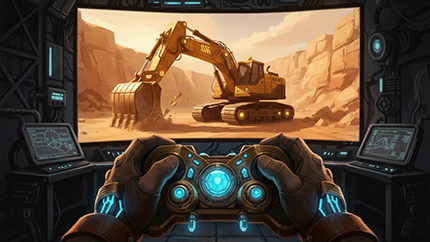
Gamepad Integration Plugin
Use standard game controllers to interact within VR. This plugin enables seamless navigation and control across PC, mobile, and standalone devices for a familiar user experience.
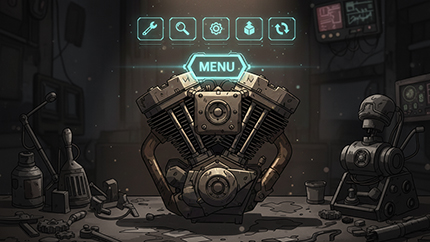
Objects Menu
Create interactive 3D menus for objects that trigger specific actions. Use the Training Builder to customize button responses, providing intuitive control over complex VR workflows.
Scene Design & Assembly
Build, organize, and assemble complex scenes with precision and ease.
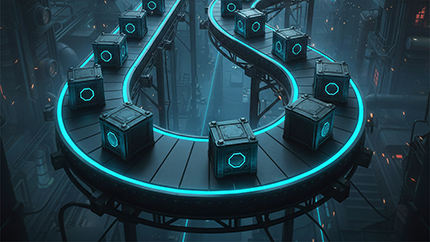
Distribute Objects on Path
Place multiple objects along a path effortlessly, enabling designers to create visually complex scenes faster while maintaining precise alignment and spacing in VR experiences.

Sweep Tool
Automatically split generated sweeps into multiple connected objects, preserving sequence information, which simplifies creating advanced visual effects like simulating fluid flow in VR scenes.

Sub-assembly Support & Custom Components
Disassemble and reassemble subassemblies easily, with advanced response options to control individual parts' assembly states in dynamic VR scenarios.
.jpg)
Assembly Dependency (All vs Any)
Set assembly rules flexibly, choosing whether all components must be removed or any single part allows disassembly, improving mechanical training simulations.

Error Tracking in Assembly
Track and record the number of errors during assembly tasks, enabling designers to measure skill levels and assess learner performance in VR training simulations.

FBX Importer: Eliminate Static Animation
Import only moving parts of FBX models, reducing unnecessary keyframes and allowing partial animations for more efficient and realistic VR simulations.
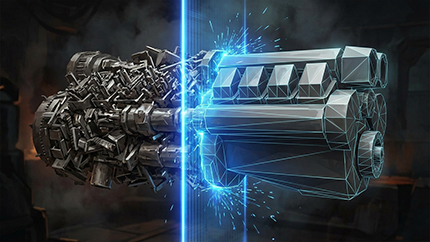
Decimation
Reduce object polygon counts while maintaining essential shapes and features. This optimizes your scene for a faster, smoother VR experience on standalone and mobile devices.

LOD Generator
Automatically create multiple levels of detail for objects. The system swaps models based on distance, significantly boosting performance without sacrificing visual quality in large scenes.
Training Builder & Logic
Create dynamic, interactive VR experiences with smart logic tools.

Voice Recording Response
Record users' voices directly within VR experiences, making it easy to capture answers, collect feedback, and save recordings for analysis or AI-driven insights.

Upload Files to SimLab Vault Response
Enable users to upload files directly into SimLab Vault during VR experiences, simplifying feedback collection, content sharing, and collaboration across teams.
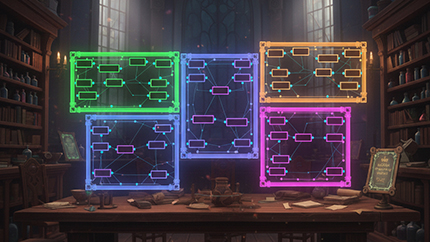
Colored Groups & Notes
Organize your Training Builder logic into colored groups with descriptive notes, making complex VR experiences easier to manage, understand, and share with other creators.

Shareback & Reload as Events
Save, share, and reload user progress as Training Builder events, giving designers precise control over when and how users' VR work is saved or shared.
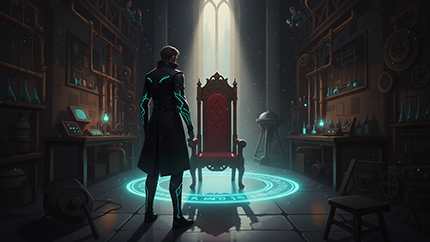
Import Scene & Import to User
Import entire scenes or place objects directly in front of users, simplifying object placement for both large and small items in VR experiences.
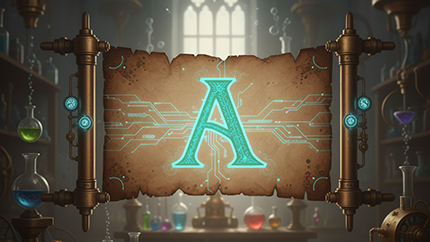
Resource Manager
Manage and package additional resources, including fonts, sounds, images, and data files, ensuring they are available and integrated during VR experiences.

Blend Texture
Combine two or more textures in VR to create entirely new materials, unlocking advanced visual possibilities for medical, educational, or industrial experiences.

On Key Pressed & Released Events
Designers can now trigger VR actions precisely using key press and release events, providing more control over interactive 3D menus in desktop and VR.

AI & Intelligence
Smarter AI, faster responses, and flexible AI integration options.

AI Upgrade: GPT-4.1 & Faster Responses
Experience smarter AI with GPT-4.1 and significantly faster voice responses that begin playback instantly, improving the responsiveness and interactivity of VR experiences.
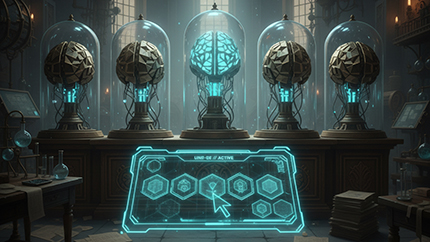
Choose AI Provider & Model
Select your preferred AI provider and model for VR experiences, including free or paid options, offering flexibility and cost-efficient AI integration.

Include AI Key in Experience
Embed an AI key directly into your experience, allowing users to interact with AI without needing personal API keys or additional setup steps.
Performance & Quality of Life
Optimized performance and features for smoother VR experiences everywhere.

Flex Bodies Optimization
Flex Bodies now run much smoother and faster on all devices, enabling more animations and complex interactions without performance slowdowns or lag in VR experiences.

Better Rendering on Any Device
Achieve realistic lighting, shadows, and reflections across all devices, even lower-end VR headsets, with baked lighting merged seamlessly with multiple material types.

Download & Use External Files
Import external assets like textures, images, or models directly into your VR experience, updating content in real time without modifying the original package.

Save Visual Settings
Store material and environment modifications created in SimLab VR Viewer, then apply them directly to your scene inside SimLab Composer or SimLab VR Studio.
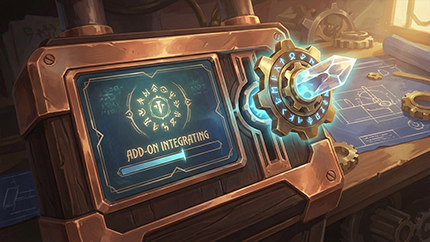
Add-on Integration
Expand your workspace by loading powerful add-ons directly into SimLab Composer or VR Studio. Use official SimLab tools or integrate custom add-ons you've created yourself.
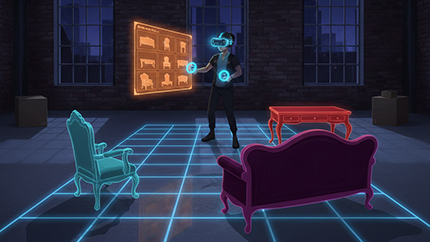
MR Spatial Sync
Simplify Mixed Reality setups by perfectly aligning 3D elements with real-world environments. Easily match virtual furniture to physical room dimensions for accurate, immersive spatial planning.
Looking for Previous Versions?
Explore features from earlier releases of SimLab VR Studio
View Older UpdatesReady to Experience VR Studio?
Start building faster, smarter, and more immersive VR projects with the latest release.
Discover VR Studio