
NEW 2D PDF support added
Now imports 2D and 3D PDF into SketchUp
SimLab PDF Importer brings 3D PDF models and 2D PDF drawings straight into SketchUp — with materials, geometry and structure intact.
2D PDFs arrive as separate images, lines, text and layers you can select, highlight and hide inside SketchUp.


SketchUp 8 → 2026 · Windows & macOS · No credit card needed · 14 days free (30 uses)
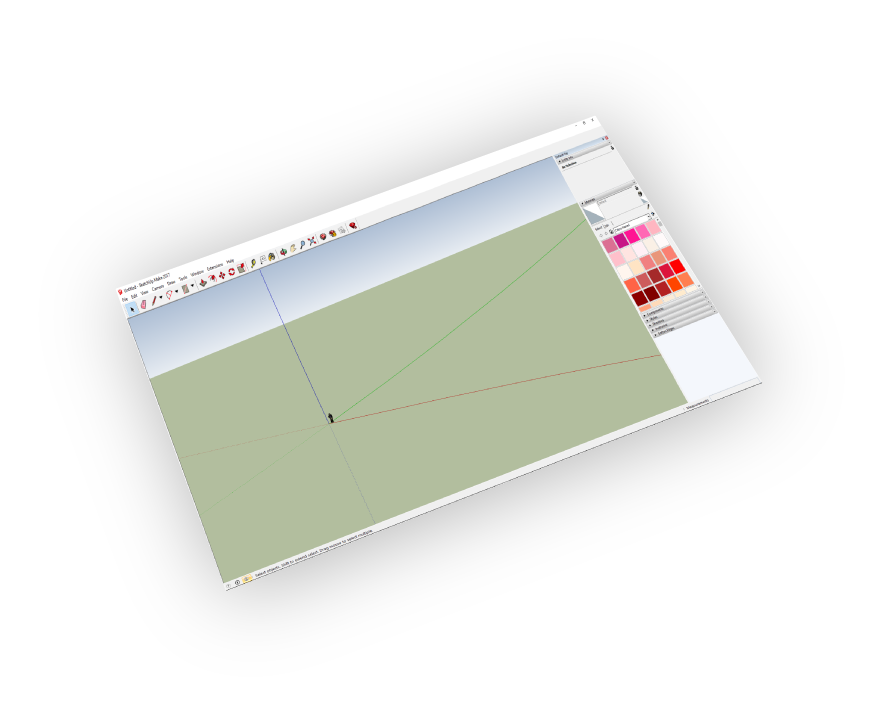
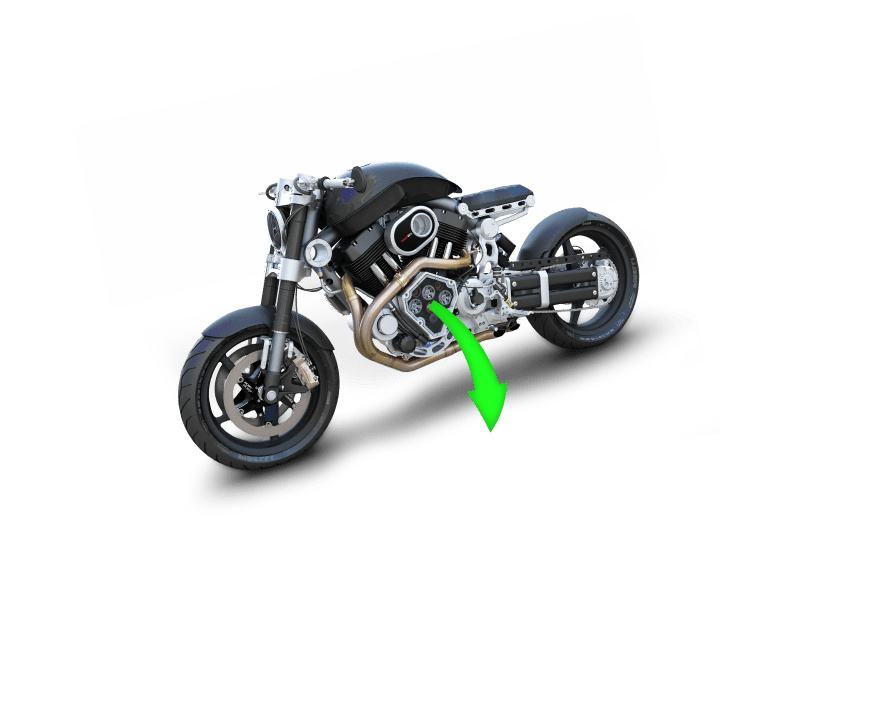
The 2D difference
It reads what is inside the PDF
Most importers flatten a 2D PDF into one lifeless block. SimLab pulls the internal components apart, so the drawing behaves like native SketchUp content.
One importer, both worlds
Everything in a single SketchUp plugin — no converters, no round trips.
One plugin for both
3D PDF models and 2D PDF drawings handled by the same importer, from the same SketchUp menu.
Internal parts extracted
Images, lines, text and layers arrive separately for real control in SketchUp.
Materials preserved
3D PDF geometry imports with its colours, textures and model structure intact.
Scale and orientation control
Set the Scaling Multiplier, Up Vector and Rotate By angle so the import lands correctly first time.
Multi-page PDFs
Pick the page you need from drawing sets and sheet-based documents.
Native SketchUp entities
Everything imports as standard groups and tags — snap, trace and push-pull straight away.
What the plugin imports
Four clicks from PDF to model
To obtain a trial licence, open Settings then follow the steps shown here.
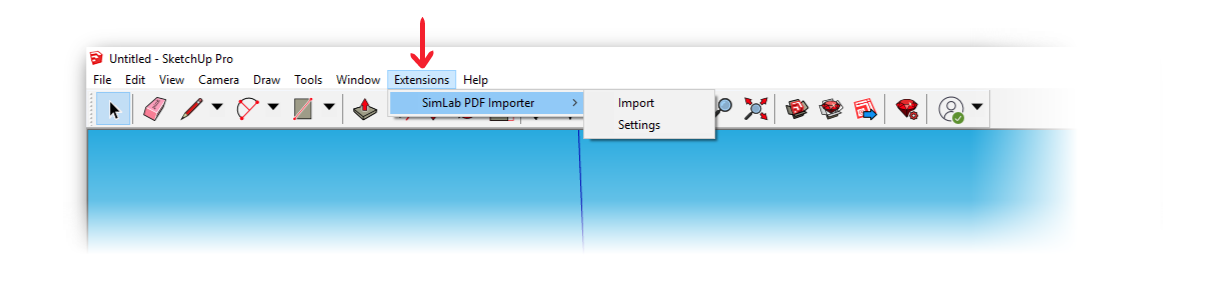
Extensions → SimLab PDF Importer → Import.
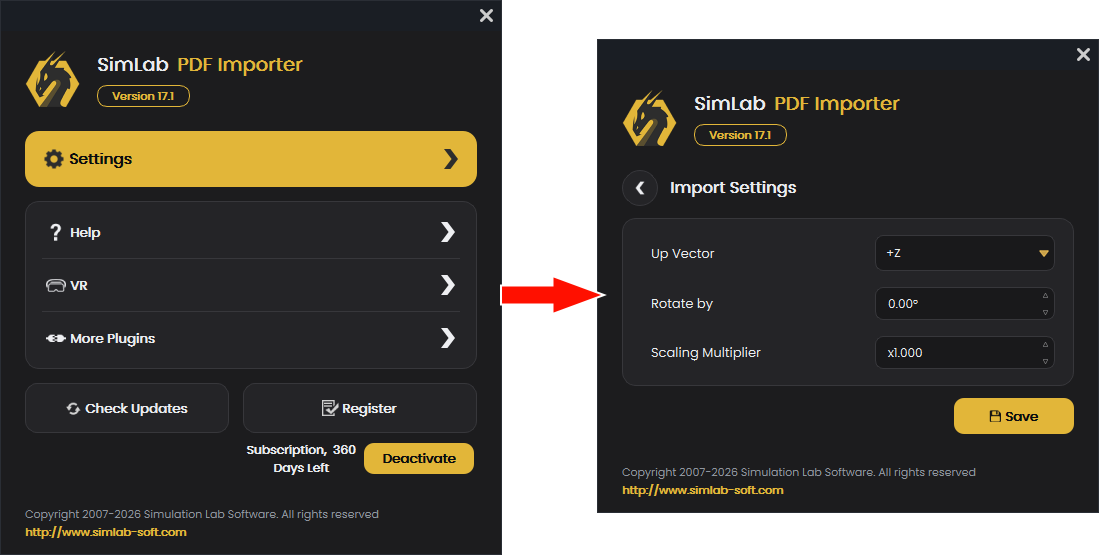
Import settings: Scaling Multiplier, Up Vector and Rotate By.

Pricing
Free trial first — no card needed. Both licences include 2D and 3D PDF import.
Billed annually. Can be installed on two different machines by the same user. Updates and support included for the subscription term.
Buy single licenceBilled annually. Shared across your network — one seat in use at a time, on any machine in the team.
Buy floating licence
Frequently asked
Features
Both 3D PDFs (U3D and PRC payloads) and standard 2D PDF drawings, including multi-page files — you choose the page on import.
Images, line work, text and layers are imported as separate SketchUp entities, grouped so you can select, highlight and hide each one instead of dealing with a single flattened block.
Yes. Set the Scaling Multiplier in the plugin settings before importing, or scale against a known dimension after import.
Yes. Materials, colours and textures come across with the geometry, along with the model structure where the PDF contains one.
SketchUp 8 through SketchUp 2026, on both Windows and macOS.
No. 3D PDF files are natively supported by the free official Adobe Acrobat Reader. 
Yes, it supports both U3D and PRC based 3D PDF files.
Defaults work automatically for most models. The plugin settings let you control the Scaling Multiplier, the Up Vector and a Rotate By angle.
Licensing
Yes, a subscription licence keeps you up to date with the latest version.
You can renew your subscription (an auto renewal option is available), or you can cancel it.
After buying a subscription you will get a key — follow the steps on the licensing page. If you face any problem, please email license@simlab-soft.com.
Check this page for step-by-step instructions on how to request and activate a trial licence. Trial licences are valid for 14 days or 30 uses, whichever comes first.