
SketchUp to Oculus Quest
In the following steps we are going to learn how to share our designs directly from SketchUp into Oculus Quest device.
We are going to use SimLab VR Plugin for SketchUp to do that.
Download and setup the Extension
Sharing Models
While Opening the Scene on SketchUp:
The 3D model used in this example can be found here. Download Link
Click on Sync with Wireless Device. Fill out the information then click on Upload to My Account.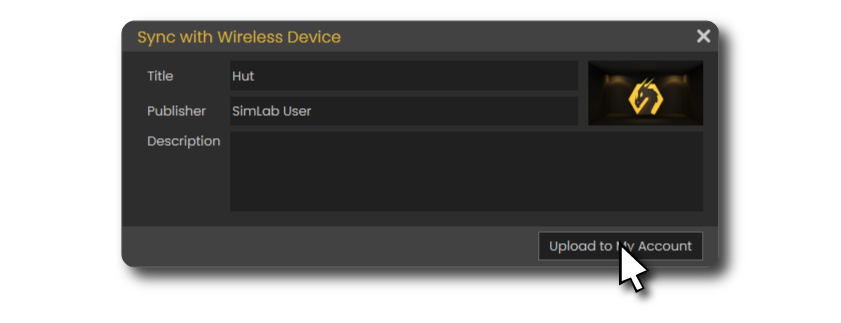
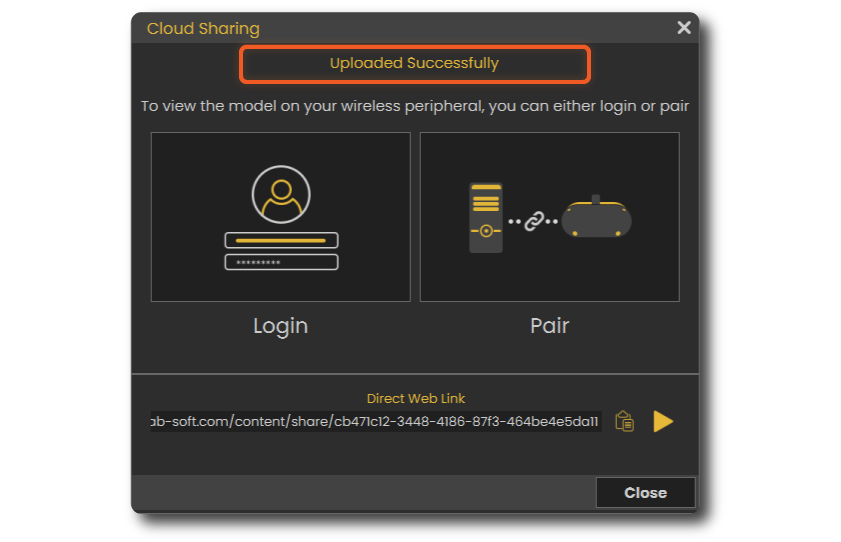
It will take few moments then it should say that its Uploaded Successfully.
Advanced VR Creation
If you want to create interactive VR experiences with better environments, visual effects, use different 3D file types, create training sessions, quizzes and more. You can use SimLab VR Studio, Learn more.
you can learn how to enhance the quality and the performance of your VR experiences here.