
Media \ Sound
 Record Sound
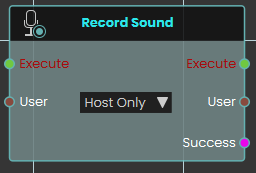
The Record Sound node initiates an audio recording session within the VR experience. This node utilizes a User dropdown parameter to determine whether the system captures microphone audio exclusively from the host or from all participating users. It outputs a Success boolean when the recording successfully starts.
 Set Sound File
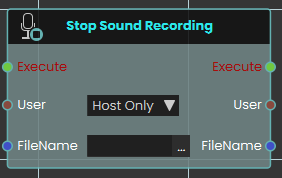
The Stop Sound Recording node halts an active audio recording session. This node requires a specified target User and an exact FileName. Upon execution, it stops the capture process and stores the resulting audio file directly into the project's Resource Management tab under the provided name
 Set Sound Volume
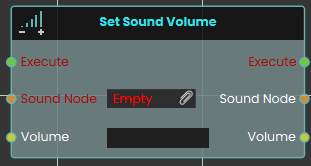
The Set Sound Volume node is used to adjust the audio playback level of a specific 3D sound object within the scene. The numerical Volume input operates strictly within a range of 0 (muted) to 4 (maximum amplification)
 Stop Sound Recording
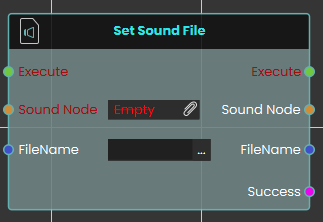
The Set Sound File node dynamically attaches or updates the audio source of a designated Sound Node object in the scene. This node requires the exact FileName of an audio file previously imported into the Resource Management tab, strictly including its file extension (for example, "welcome.mp3"). It outputs a Success boolean to confirm that the sound file was located and attached properly.