
Media \ Video
 Video Play
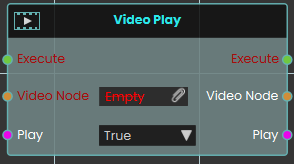
The Video Play node provides direct control over the playback of a Video Node through a boolean Play input. Setting the toggle to True starts the video, while False stops it.
 Video Seek
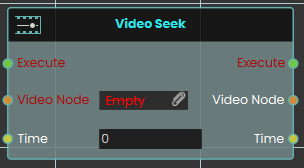
The Video Seek node immediately moves the playback of the target Video Node to a specific Time defined in seconds. It enables precise navigation to any timestamp within the video's total duration.
 Video Toggle
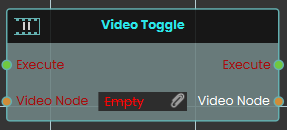
The Video Toggle node switches the playback state of the assigned Video Node between playing and paused. Each execution reverses the current state of the video material, making it ideal for simple play/pause button interactions.