
SceneNode \ Management
 Cast SceneNode

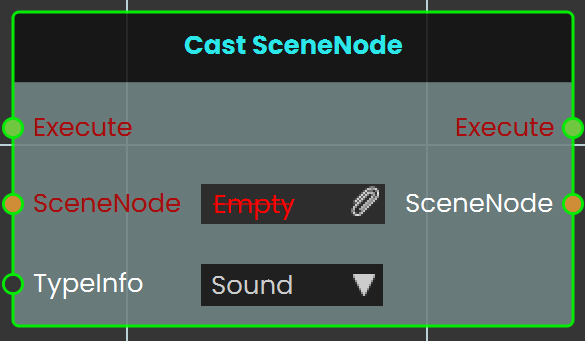
The Cast SceneNode enables the user to change the type of a SceneNode by selecting a typeInfo from the list, such as sound, 3D object, video, gadget, or camera. This node identifies the assigned SceneNode as the chosen type, allowing it to function accordingly within the VR environment.
Example
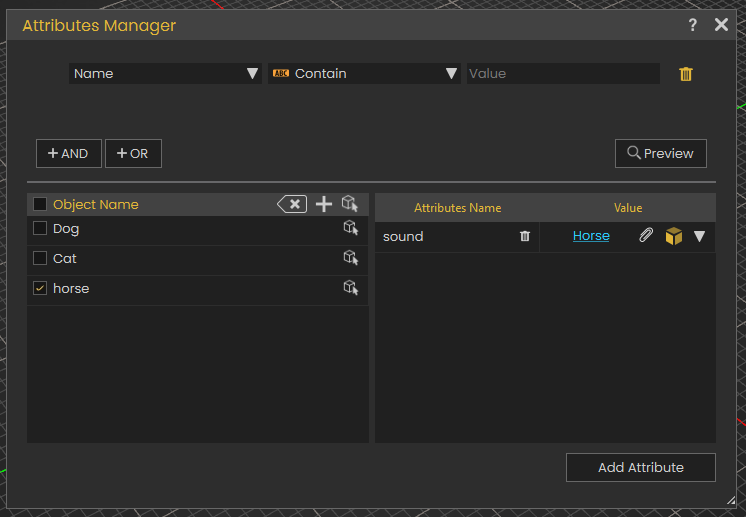
In this example, Animals sounds are assigned to the animals as SceneNode type

A Cast SceneNode is used to identify the SceneNode of an animal object (dog, cat, and horse) as a sound. An attribute named "Sound" is added to all three animals, and the corresponding sound is assigned to each. When the user triggers the animal SceneNode, the Cast SceneNode plays the sound assigned in the attribute.
 Set Node Collision Enabled
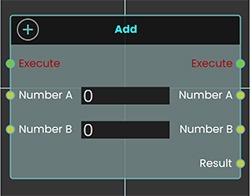 The Set Node Collision Enabled node is used to enable or disable collision for the user. This can be utilized to allow the user to pass through objects or be blocked by them within the VR environment.
Example
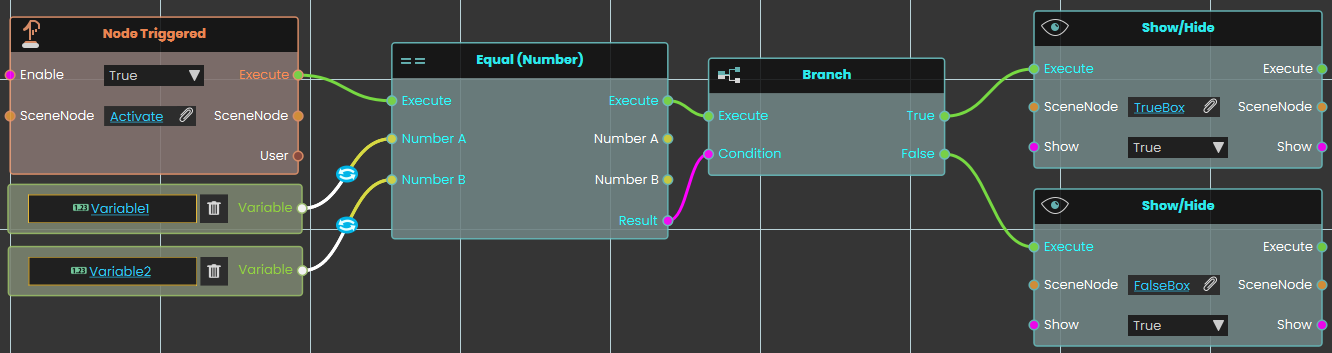
In this example, the Set Node Collision Enabled node is used to disable collision for the user when the scene starts. The wall is assigned as the target object, and the collision is set to "False," allowing the user to pass through it.
This is shown in the following tutorial

Tutorial is available on SimLab VR Discord server
Delete SceneNode
The Delete SceneNode node enables users to remove a specified object from the scene during a VR Experience. This node allows for dynamic scene modifications by deleting objects based on interactions or conditions, making the environment more interactive and adaptable. Once executed, the specified object is permanently removed from the scene.
Example
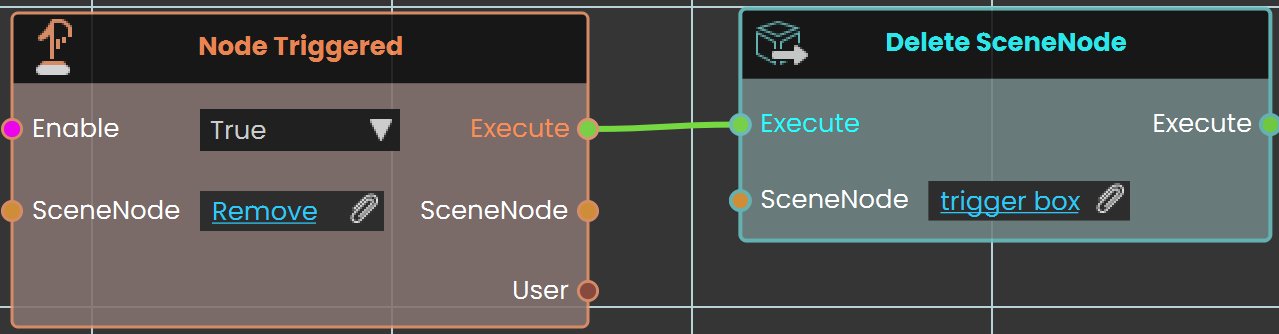
In this example, the Delete SceneNode node is used to remove a trigger box from the scene. The Node Triggered event is activated when the user triggers or clicks on an object named "Remove." As soon as the object is triggered, the Delete SceneNode node removes the trigger box from the scene, preventing further interactions with it.