Sequence
Attach Sequence To
Creating sequences can be done from animating an object in the scene. This sequence can be attached to Hand or an Object in VR.
Hand
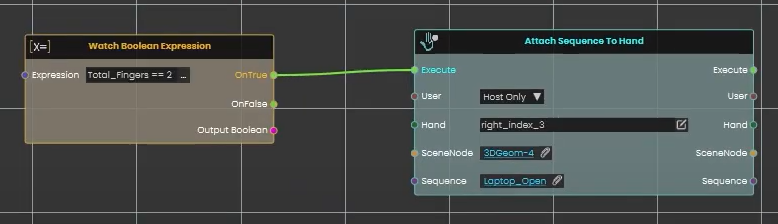
With sequences available in the Sequences Library, a sequence can be attached to the Hand in VR experience using this node in Dynamic Training Builder.
Example
Check this tutorial for the example below, where Boolean expressions were created and upon checking the Boolean Expression a sequence is attached to Hand.
Object
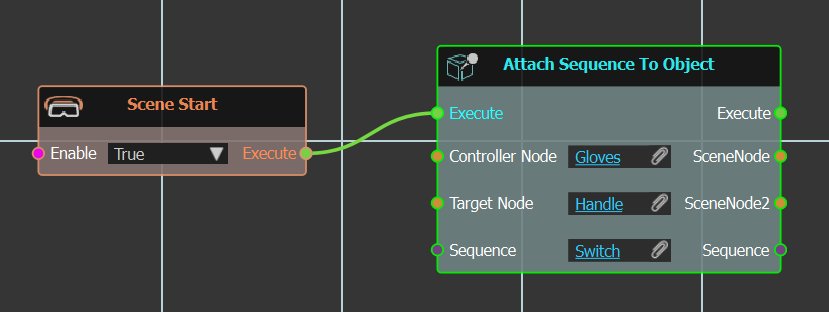
This node can be used to connect a controller grabbable object to a sequence in VR.
Example
In the example below the "Switch" sequence is attached to "Handle" object, when Controller "Gloves" geometry moves it. In this example a simple grabbable sequence can do the job, but this is just to demonstrate use of this node.
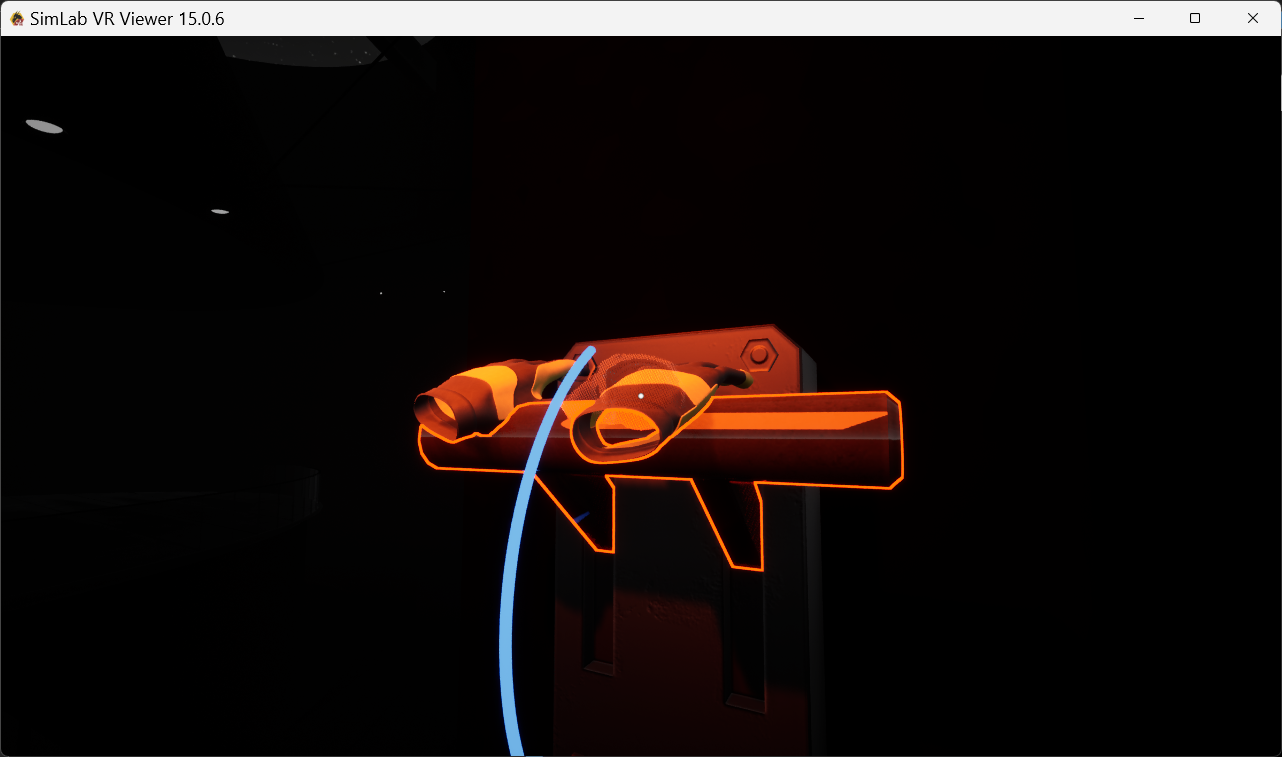
Example 2
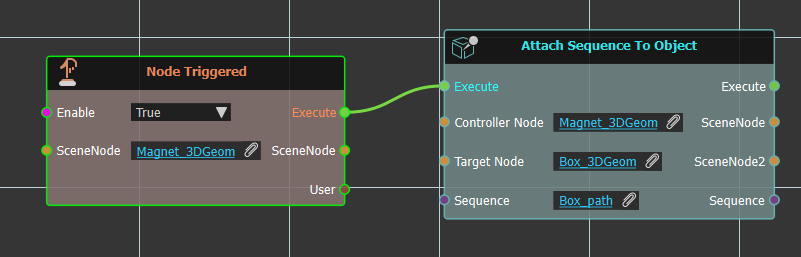
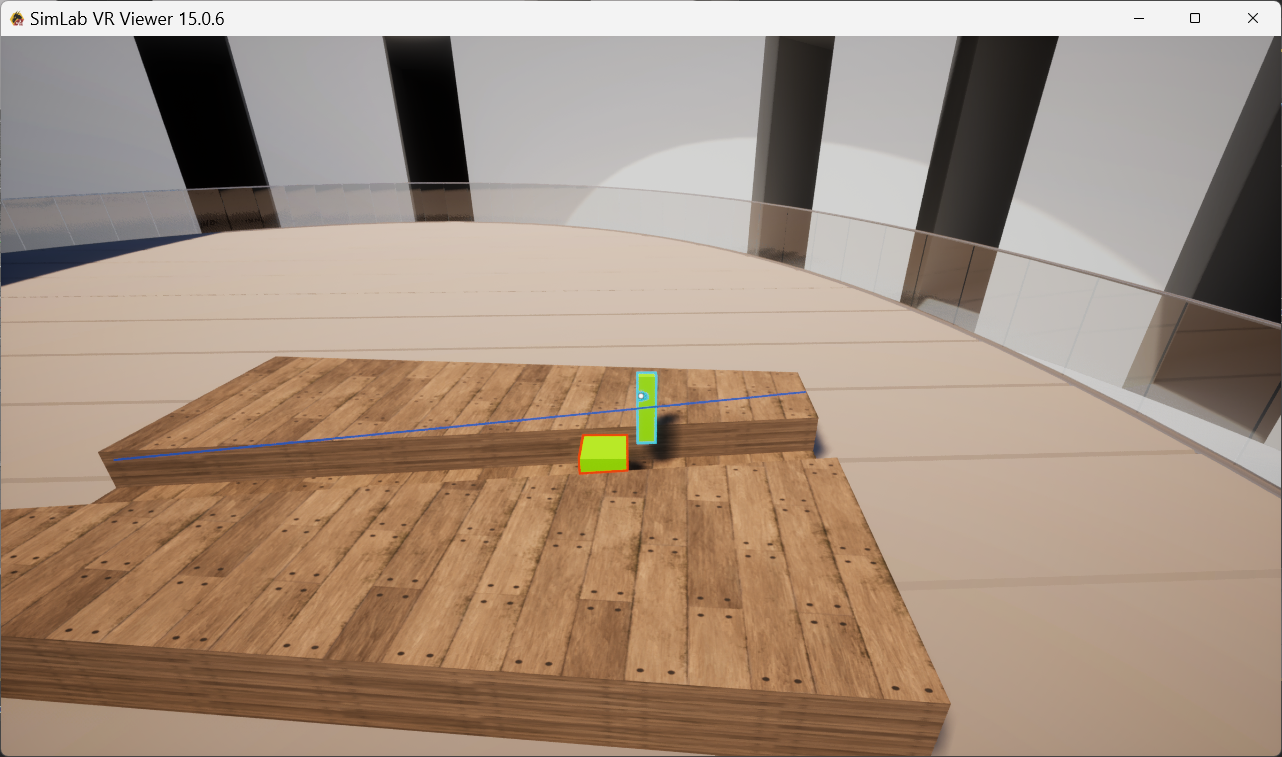
In this example we have a path for a box to walk along being controlled by a magnet.
Playback Controls
Used to control sequence behavior.
Continue
Same Direction
The selected sequence will continue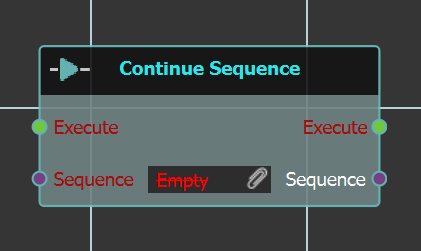
to play in the same direction.
Set Direction
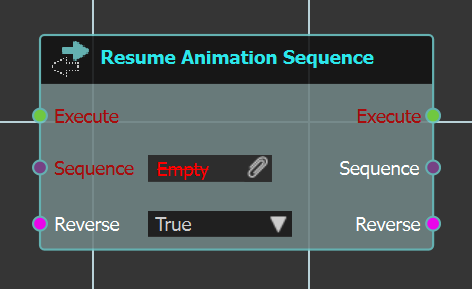 With this node the user can change the selected sequence
 direction.direction, by selecting Reverse to True.
Example
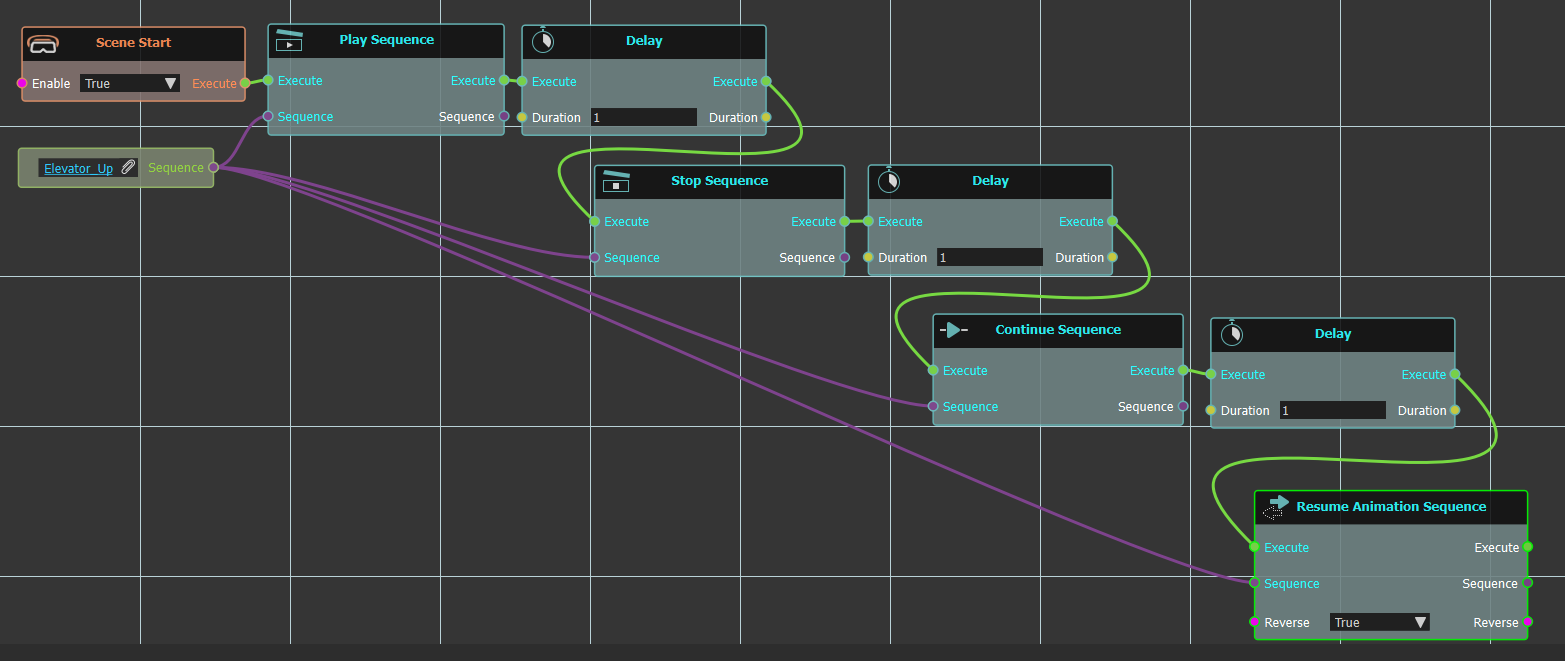
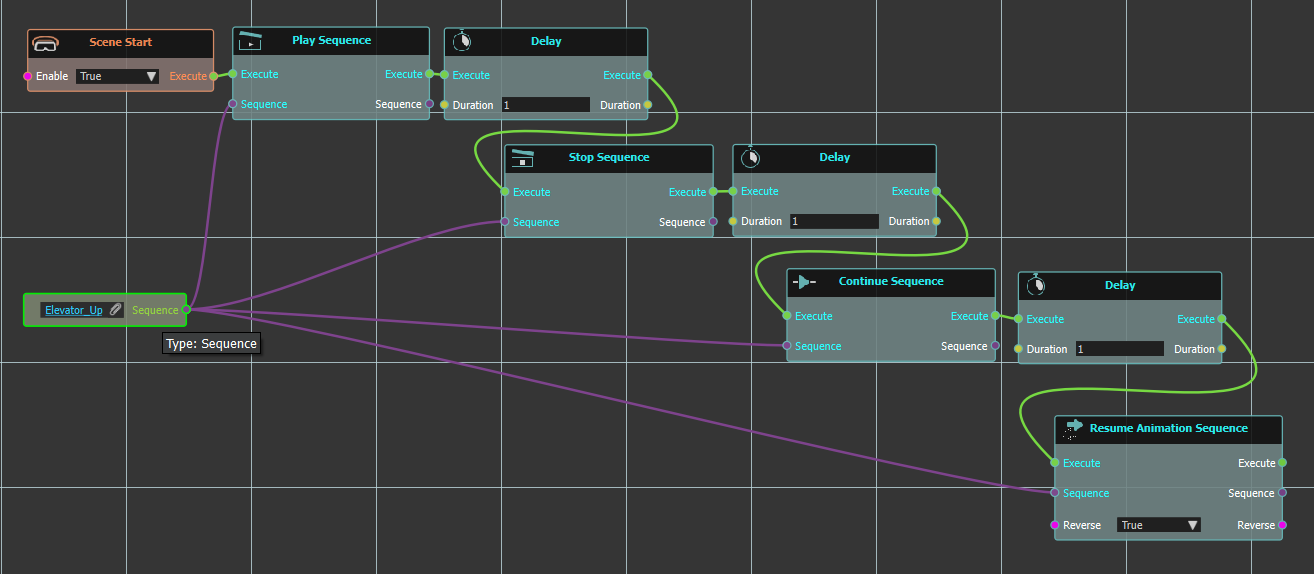
In the below example a number of the above Playback Controls are used. Here on "Scene Start" "Play Sequence" response is executed for "Elevator_Up" sequence. Followed by a 1 second "Delay", then "Stop Sequence" for another one second "Delay". Then the sequence is continued, followed by another "Delay" then "Resume Animation Sequence" from start.