
SceneNode \ Management
 Enable Walk-Through
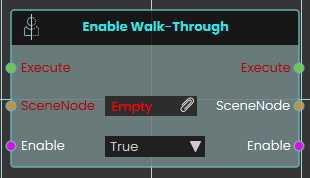
The Enable Walk-Through node explicitly controls the physical collision properties of a targeted 3D object within the VR Viewer. When activated, the node uses the boolean Enable input to determine the collision state of the specified SceneNode—allowing users to seamlessly pass directly through the object without physical obstruction if set to True.
 Find Node By Name

The Find Node By Name node searches the VR environment and dynamically locate a specific 3D object based on its assigned text identifier. When activated, the node takes the exact string provided in the Name input, searches the scene to find the corresponding object, and outputs that specific SceneNode reference.
 Make Node Instance