
Animation
SimLab VR Studio is able to Import Rigid and flexible (Joints-based rigged) bodies animations as well as create animation for objects in the animation timeline through several tools.
To access the Animation timline, open the Animation Tab in the library panel at the bottom of SimLab VR Studio.
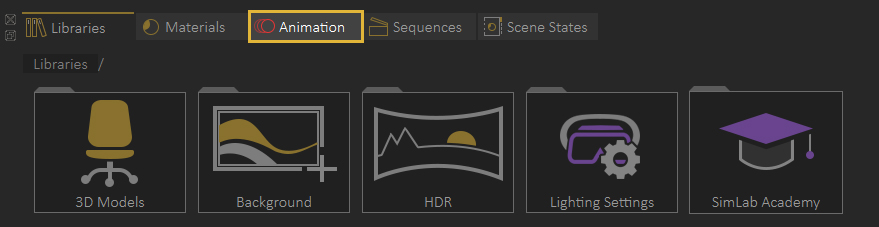
Animation Timeline User Interface

Animation Keyframes Creation tools
|
|
Auto Key |
|
 |
Capture object key frame | |
 |
Capture camera key frame | |
 |
Show Object | |
 |
Hide Object | |
 |
Director Record |

Keyframes Management tools
 Go to previous keyframe
Moves the current time slider to the previous keyframe.
Go to previous keyframe
Moves the current time slider to the previous keyframe.
 Go to next keyframe
Moves the current time slider to the next keyframe.
Go to next keyframe
Moves the current time slider to the next keyframe.
 Select all keyframes
Selects all keyframes and generated animations in the timeline.
Select all keyframes
Selects all keyframes and generated animations in the timeline.
 Group keyframes
Group selected keyframes into a single group element.
Group keyframes
Group selected keyframes into a single group element.
 Break Group
Breaks a group into keyframes.
Break Group
Breaks a group into keyframes.
 Move keyframe
Moves the selected keyframes to a specific frame.
Move keyframe
Moves the selected keyframes to a specific frame.
 Copy keyframe
Copies and moves the selected keyframe to a specific frame.
Copy keyframe
Copies and moves the selected keyframe to a specific frame.
 Delete selected keyframe
Deletes the selected keyframes from the timeline.
Delete selected keyframe
Deletes the selected keyframes from the timeline.
 Delete all
Deletes all keyframes from the timeline.
Delete all
Deletes all keyframes from the timeline.
Animation Sequences tools
 Create Animation Sequence
Converts the selected keyframes in the timeline to an Animation Sequence.
Create Animation Sequence
Converts the selected keyframes in the timeline to an Animation Sequence.
 Show Animation Sequences list
Displays a list of all Animation Sequences where you can edit, modify their group or delete them.
Show Animation Sequences list
Displays a list of all Animation Sequences where you can edit, modify their group or delete them.
Generate Animation tools