
Signing up
Clients (non-educational users)
If you're a client and someone has shared a VR Model with you, you will receive an email requesting you to activate your account to view the shared model.
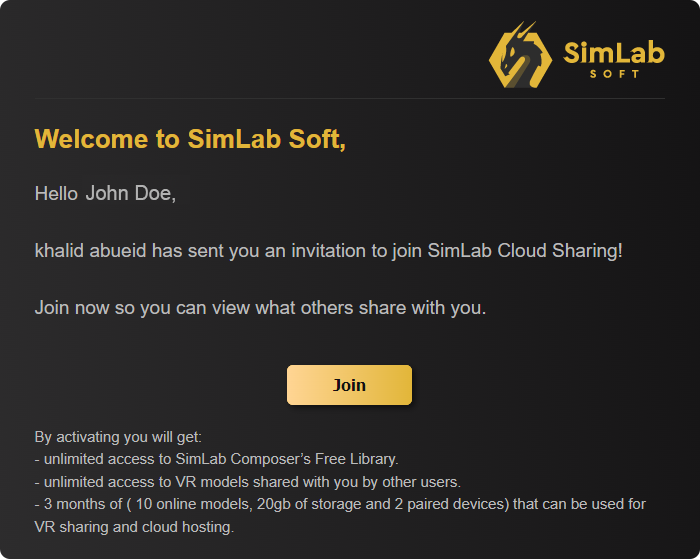
From the received email, click activate.Join.
once you click Join, the account information dialogue will appear.
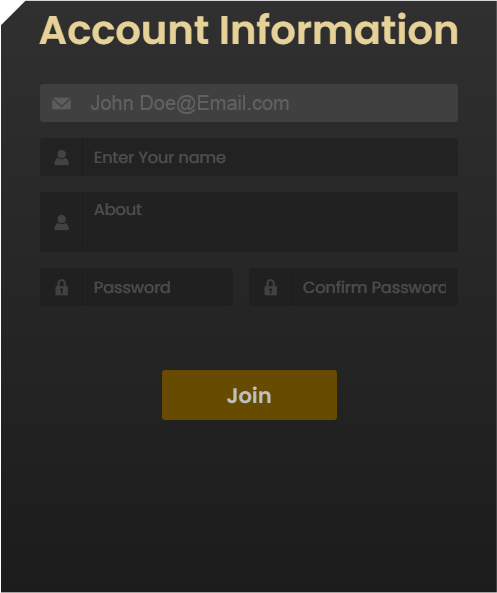
Fill in your Name, a brief Biography and a password to activate your account and join the SimLab Cloud Services.