
Signing up
Clients (non-educational users)
If you're a client and someone has shared a VR Model with you, you will receive an email requesting you to activate your account to view the shared model.
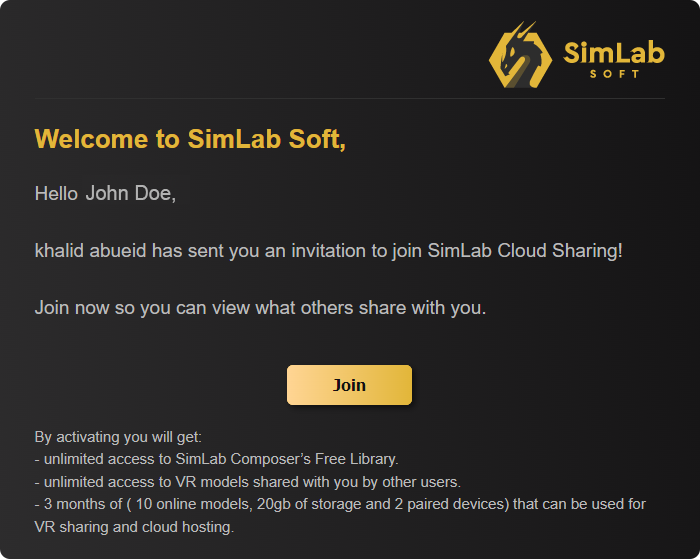
From the received email, click Join.
once you click Join, the account information dialogue will appear.
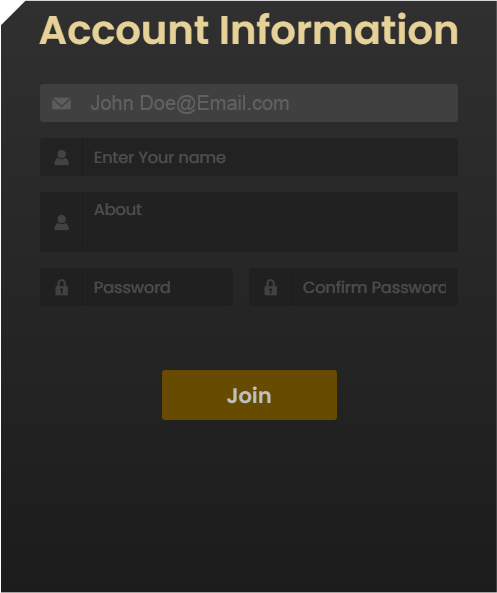
Fill in your Name, a brief Biography and a password to activate your account and join the SimLab Cloud Services.
Once you have Joined SimLab Cloud services, the next step is to download the SimLab VR Viewer.
In the same email you received you will find a link to download the simLab VR Viewer, or you can Click here to download it.

Once downloaded and installed, Run the SimLab VR Viewer and in the top right corner, click Sign in.
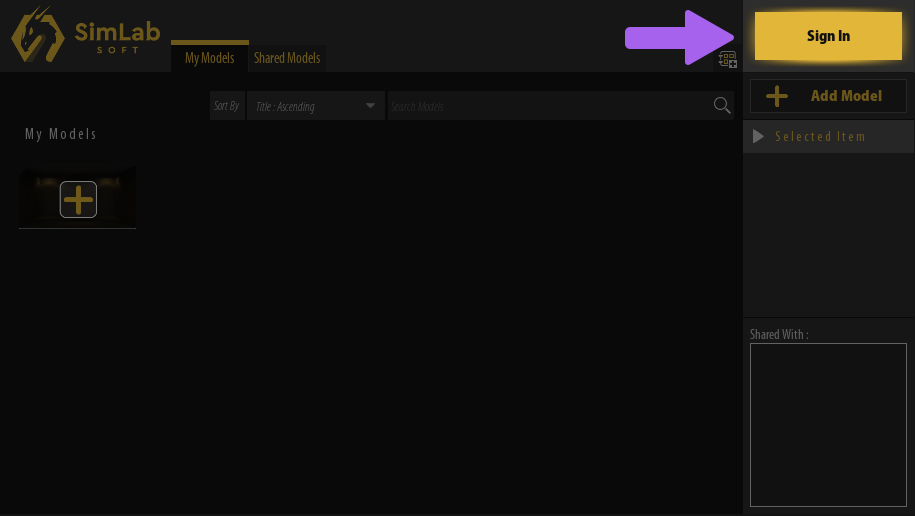

In the Sign in Dialogue, enter your email address and the password you have created for your account and click Sign in.
in.