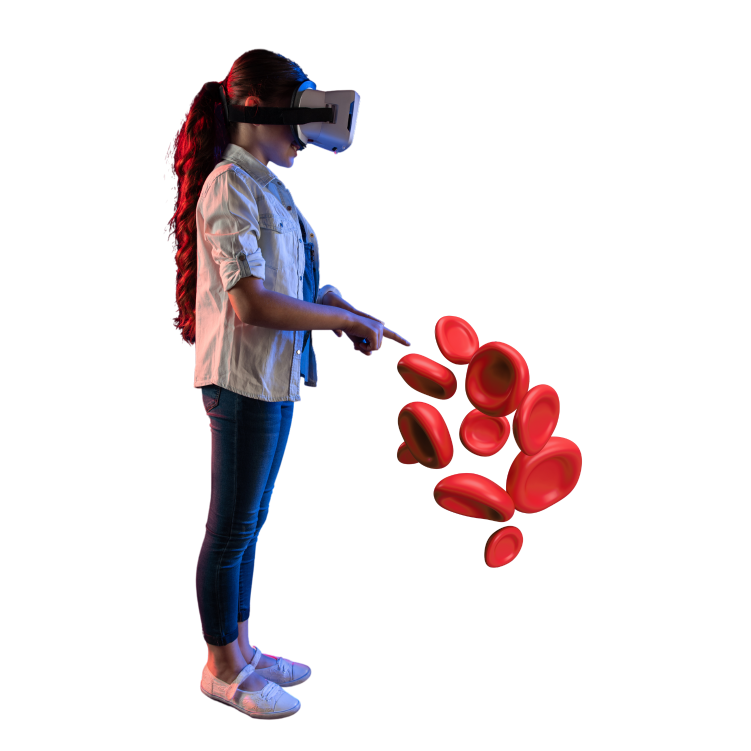
The Complete Virtual Reality Lab for K-12 Schools
VR Creation, Ready-Made Content, and Cloud Distribution — all in one package, priced per school.
 VR Content Creation for teachers & students
Ready-to-Use VR experiences
Cloud distribution to all devices
Licensed per school — not per student
VR Content Creation for teachers & students
Ready-to-Use VR experiences
Cloud distribution to all devices
Licensed per school — not per student
Everything Your K-12 School Needs in One VR Platform
Stop juggling separate tools and licenses. SimLab VR Lab bundles VR creation, ready-made content, and distribution into a single annual school license.
VR Creation
No-code VR Studio lets teachers and students build immersive learning experiences from scratch. No design skills. No coding. Just ideas brought to life.
- ✓ Visual drag-and-drop scene editor
- ✓ Warehouse of 3D models & environments
- ✓ Quiz builder & LMS integration
- ✓ Step-by-step teacher tutorials included
Ready VR Content
Access pre-built VR experiences — ready to assign to students from day one. No setup required.
Check in VR Store
Distribution
Deploy VR experiences to your entire school from a single dashboard. Students access content instantly from any device — headsets, tablets, or laptops.
- ✓ Cloud-based — no USB transfers
- ✓ Multi-device: headsets, PCs, phones
- ✓ Centralized teacher management
- ✓ Student progress & analytics
VR for K-12 Teachers and Students
VR creation changes the role of both teacher and student — from passively delivering and consuming content to actively designing and experiencing it.

Become the Teacher Every Student Remembers
In a world of screens and distractions, VR creation gives teachers a powerful edge. Design lessons no textbook can replicate — and connect with today's digital-native students like never before.
- ✓ Create truly unique, memorable lessons
- ✓ No technical background required
- ✓ 200+ step-by-step tutorial resources
- ✓ Join a global online educator community
- ✓ Impress students, parents & administrators

Prepare Students for the Future
Students don't just view VR — they create it. Building VR experiences develops the exact skills the future workforce demands: creativity, spatial thinking, digital storytelling, and collaboration.
- ✓ Learn VR content creation from scratch
- ✓ Build portfolio-ready projects
- ✓ Develop 21st-century digital skills
- ✓ Boost engagement & knowledge retention
- ✓ Stand out for college & careers
What Can Students Experience in VR?
From biology labs to space exploration, VR transforms abstract concepts into unforgettable hands-on experiences that no classroom or textbook can match.
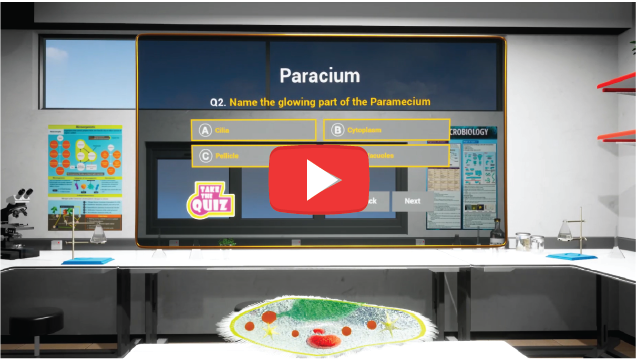
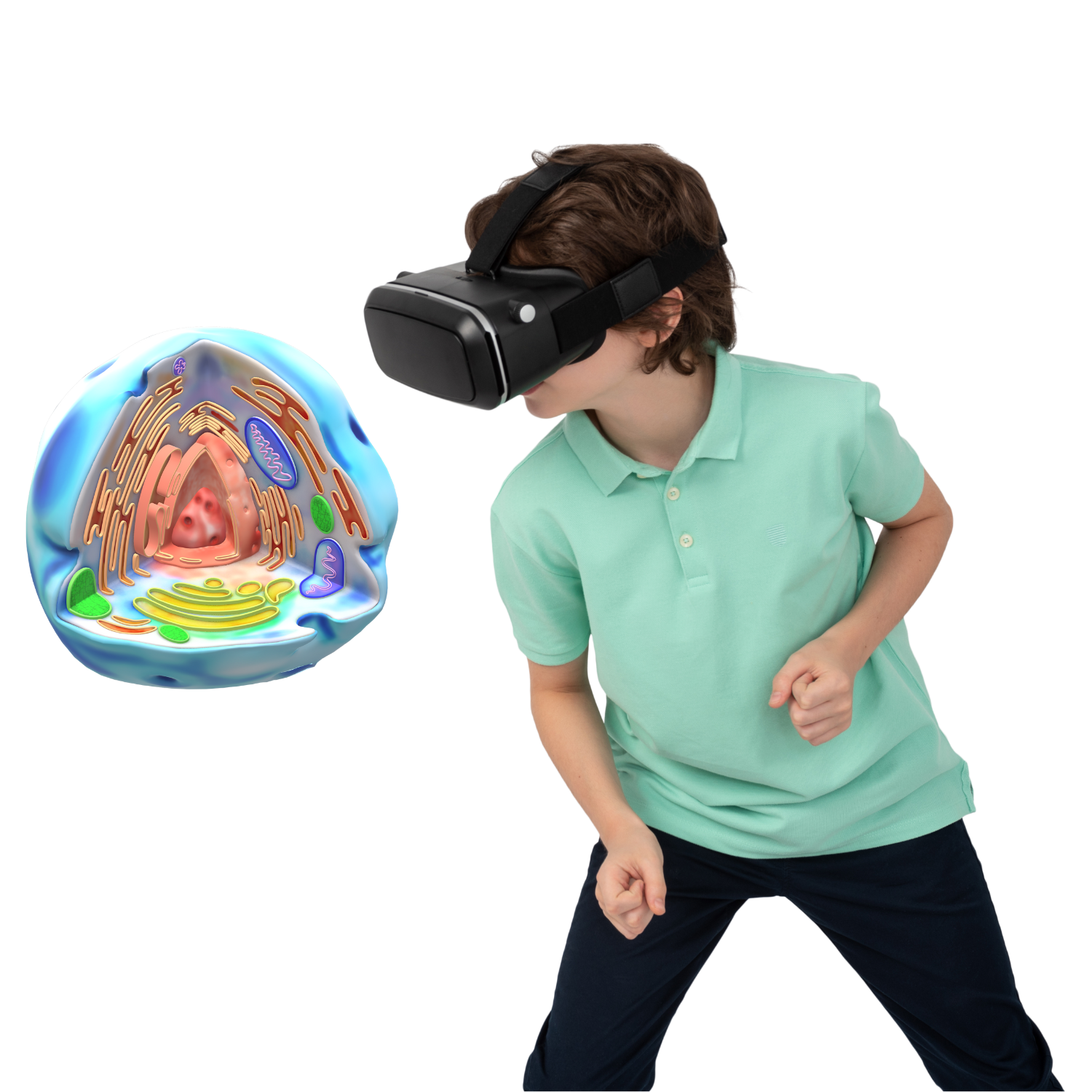
Visualizing the human cell and creating quizzes to test students
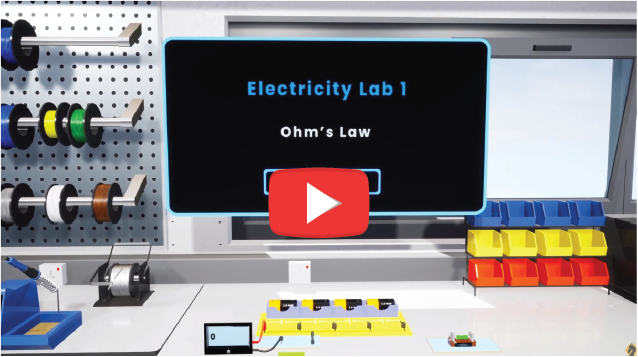
Conducting safe labs to explain Ohm's law to high school students
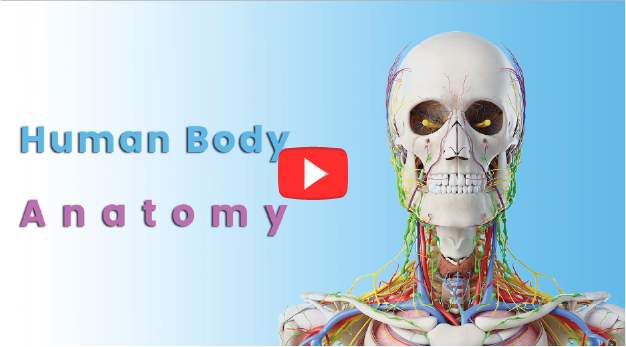
Seeing and interacting with the details of Human Anatomy
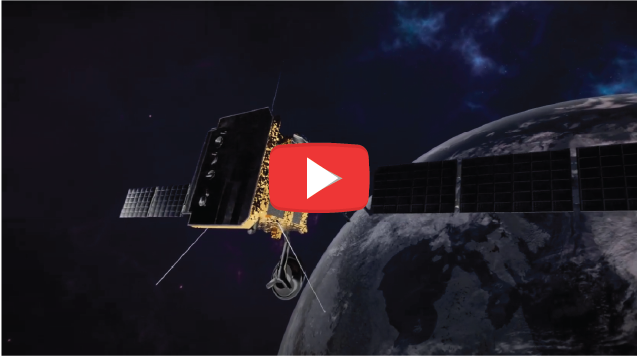
Taking a trip to earth's orbit to learn more about satellites
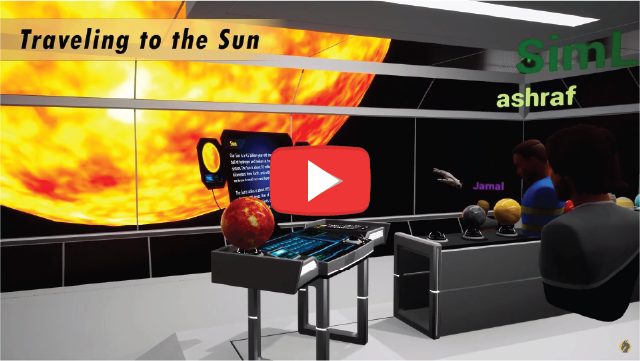
Taking a field trip to a space station to understand the planetary system
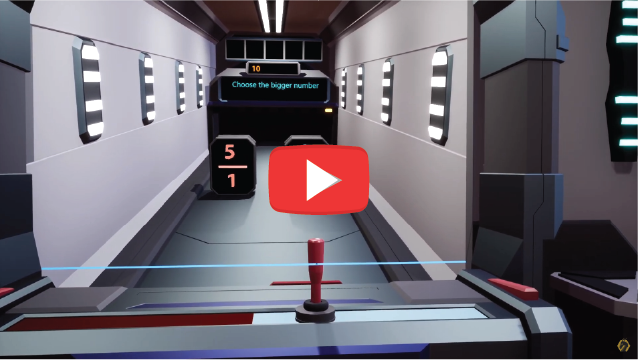
Improving mathematical skills for students through gamification
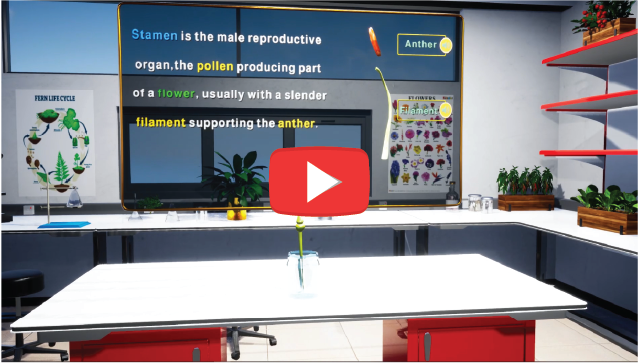
Dissecting and understanding plant anatomy
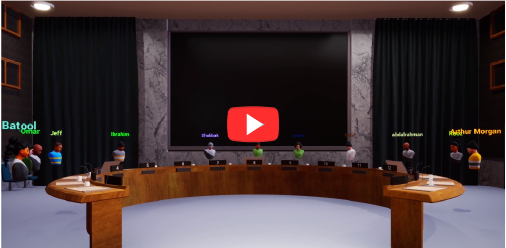
Conducting a UN conference on climate change
VR Viewer is Free —
Start with What You Have
Even schools with just a few VR headsets can get started today. SimLab's free VR Viewer runs on phones, laptops, desktops, and most VR headsets — no commitment, no credit card required.
No headset budget? No problem. Students experience VR on devices they already have.
Meta Quest 2/3
Standalone VR headsets
PC & Mac
Desktop computers
Android & iOS
Phones & tablets
Pico 3/4
Standalone VR headsets
Ready to Bring VR to Your School?
Join thousands of educators worldwide using SimLab to transform classrooms into immersive learning labs. Schedule a personalized demo or explore per-school pricing today.
Book a Meeting
Schedule a personalized demo for your school. Our education team will walk you through the full VR Lab experience and answer all your questions.
Book a MeetingView Pricing
Explore per-school VR Lab packages starting from $1,500/year. One license covers your entire school lab — no per-student fees.
See PricingWhat's included in the VR Lab package? +
The SimLab VR Lab package includes three components: VR Studio (no-code creation software), access to ready-made curriculum-aligned VR experiences, and cloud distribution tools to deploy content to your entire school. All updates and new content are included in your annual subscription.
Is pricing really per school, not per student? +
Yes. SimLab VR Lab is licensed per school — a single annual subscription covers your entire school lab (up to 30 lab machines). There are no per-student fees. This makes VR accessible to every student regardless of class size, and simplifies budget planning for administrators.
Can teachers create VR without any technical skills? +
Absolutely. SimLab VR Studio is a no-code, drag-and-drop creation tool designed for educators without a technical background. The package includes 200+ step-by-step tutorial videos, and our customer support team is always available. Teachers typically create their first VR experience in their very first session.
What devices does the free VR Viewer run on? +
The SimLab VR Viewer is free and supports Meta Quest 2/3 standalone headsets, Windows and Mac computers, Android and iOS phones and tablets, and Pico 3/4 and HTC VR headsets. This means even schools with a limited number of VR headsets can have their entire class experience VR using the devices they already own.
How quickly can a school get started? +
Schools can be up and running within a day. After purchasing, you'll receive access to the school dashboard immediately. The free VR Viewer can be downloaded to student devices in minutes, and the ready-made content library is available instantly. Our onboarding team can help schedule a guided setup session for your school.