
 3ds Max plugin, with Simlab quality
Simlab 3D Plugins \ SolidWorks importer for 3ds Max
SolidWorks for 3ds Max

About SolidWorks for 3ds Max Plugin
Benefits
SimLab plugin for 3ds Max plugin enables users to add SolidWorks import capability to Autodesk 3ds Max.
The plugin adds the ability to import native SolidWorks parts and assemblies (*.sldprt, *.sldasm). The plugin supports importing SolidWorks 2012, and prior
How to use the plugin?
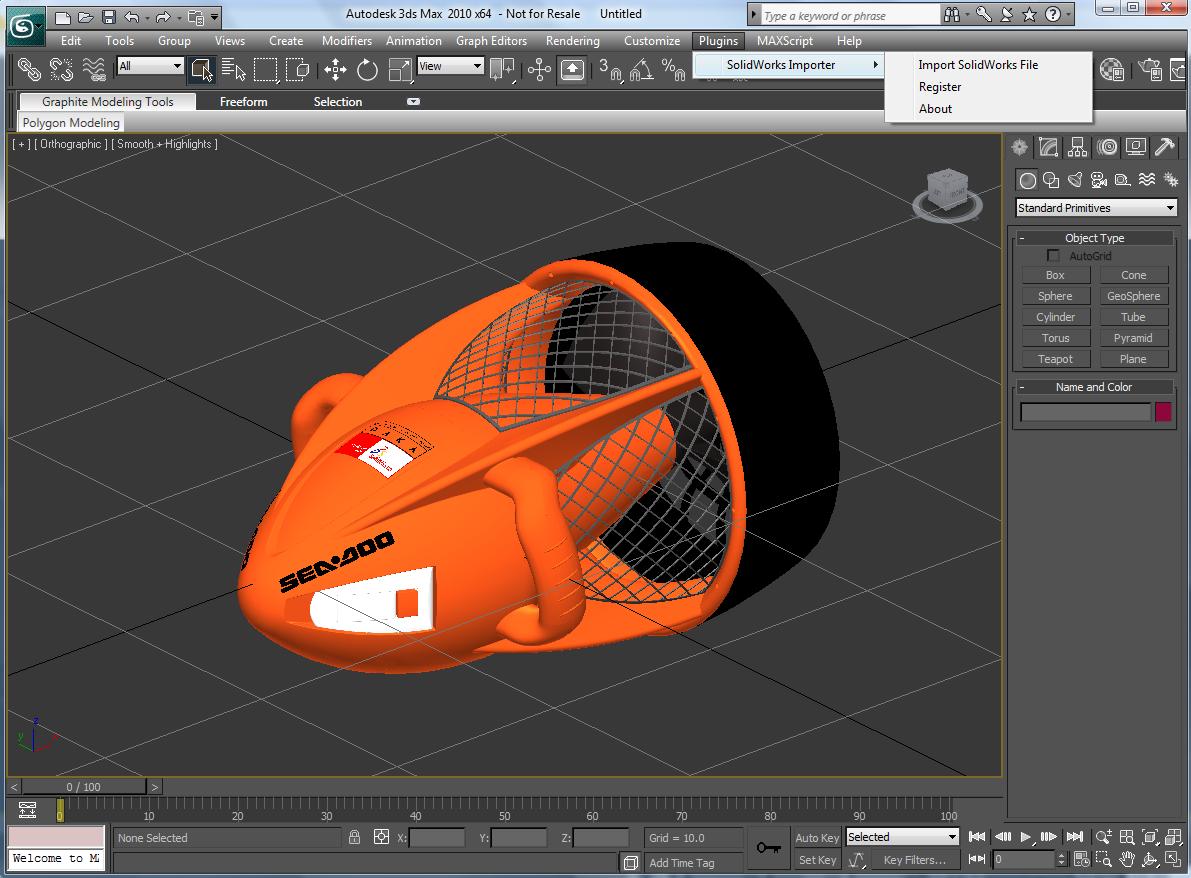
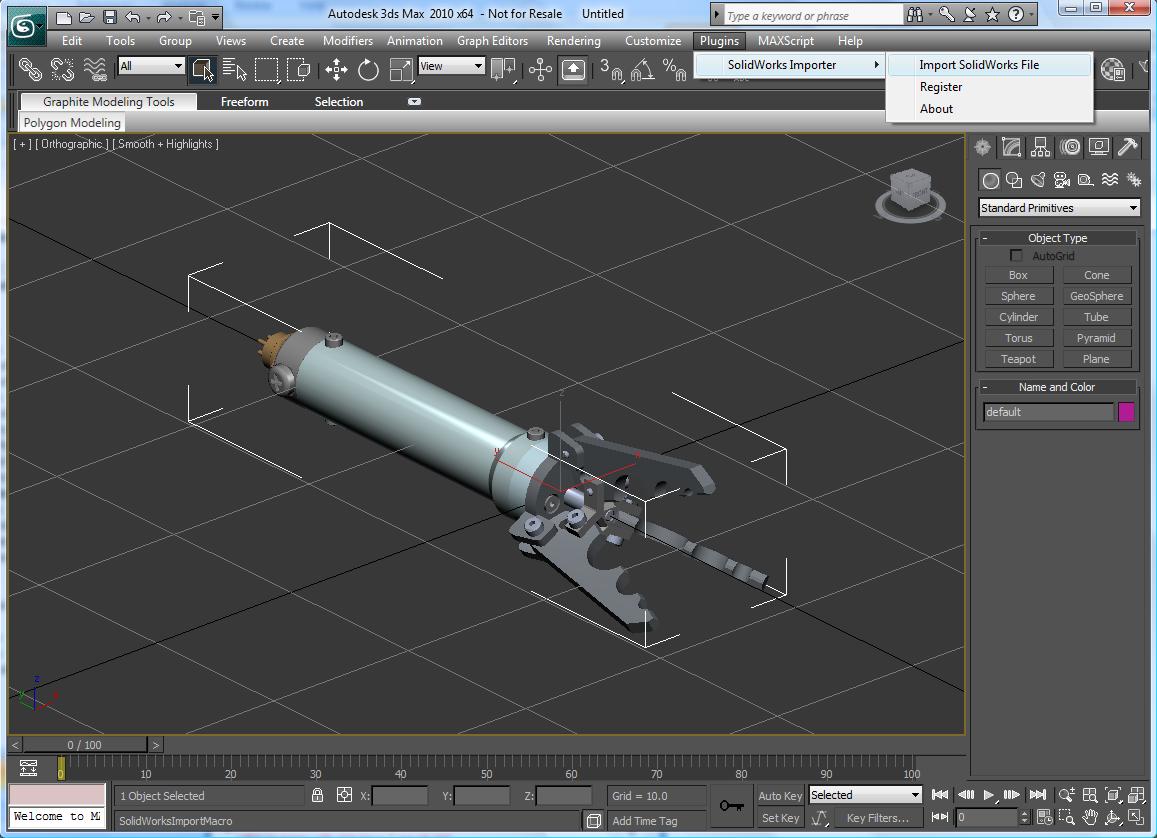
After installing the plugin, it automatically registers itself in Autodesk 3ds Max, and adds the new top level SimLab menu. The user will be able to import SolidWorks models by clicking the menu SimLab -> Import.

The Import window will open, select SolidWorks as the file type to be imported, then browse to the file folder and open it.

In just few seconds you should have your SolidWorks model added to your 3ds Max scene.
Great Value
The price of the professional license of the plugin is $99. With a single professional license; the user is eligible to activate the plugin on two different machines.
The plugin includes a free version of SimLab Composer 3D PDF edition. For more information about SimLab 3ds Max plugin great features, and how to request a license, click here.