
 Modo plugin, with Simlab quality
Simlab 3D Plugins \ U3D importer for Modo
 |


|
Introduction
SimLab U3D importer for Modo plugins, enables users to create import U3D files into Modo.
How to use the plugin
After installing the plugin, it automatically registers itself and adds a new SimLab menu to Modo. The plugin's functionalilties can be accessed from SimLab -> U3D Importer.
For the first time a user will need to register the plugin's license, Trial or Professional. This can be done by clicking the Register button, or by clicking the Import U3D button in the plugin's menu. For a step by step instructions on how to register a license, please click here.
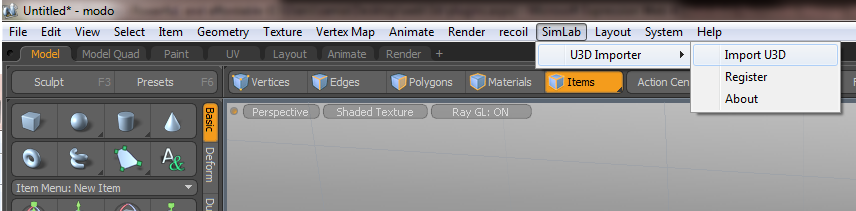
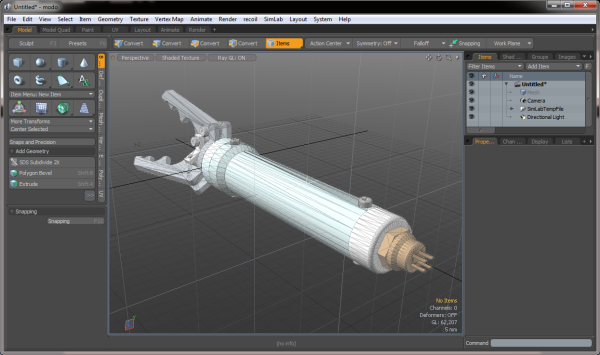
To import U3D files into Modo, just click Import U3D from the plugin's menu, and the Import window will open. Browse to the folder with the Inventor file to import and click Open.
Supported platforms
The plug-in is supported on Modo 501 / 601, (32 and 64 bit), on Windows and Mac operating systems.
Download U3D importer for Modo Free Trial
U3D importer for Modo is a powerful plugin which, in one click, allows Modo users to import U3D models into Modo. Users can then modify the imported U3D models inside Modo.
Buy
 |
|

