Template Nodes use a query system to define a single or multiple objects from the scene, which then can be attached to Event and Response nodes similar to the regular Scene Node.
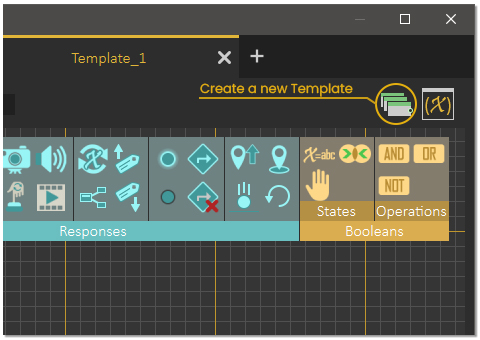
To create a Template Node, click its icon in the Training Builder, as shown below. Once clicked, a new diagram tab will be created with a single template node inside it.
Once the template node is created, click on the edit button to open the query dialogue.
There are 3 ways to define objects through the query :
Name : Searches for objects in the scene by their names.
Attribute Name : Searches for objects that has a certain attribute name.
Attribute Value : Searches for object of a specific attribute Value.
Within the query, the user can use AND / OR functions to refine the query and pinpoint objects in the scene.
The ability to pick objects by their attributes is very useful and can be done using the Attributes Manager or the Template Node Query. In some cases where objects names are not helpful, attributes can identify specific objects without much effort.
To learn more about the use of Templates in the Training Builder of SimLab Composer check the tutorial below