
Buying on SimLab VR Store

Free and Paid VR
You will find Free and Paid VR Experiences on SimLab VR Store. You can directly download and use FREE VR Experiences, however you need to purchase paid VR Experiences to be able to run them.
Acquiring VR Experiences
ToGoaccessto SimLab VR Storeandwebpage.
SimLab VR Viewer is a free standalone tool that enables users upload and view their VR Experiences across platforms. It facilitates content sharing, multi-user collaborations, and direct access to the SimLab VR Store.
CreateLoginatofreeyour SimLabAccountAccount, or click Register if youhavendo notalready,have an existing account to create an account for free.
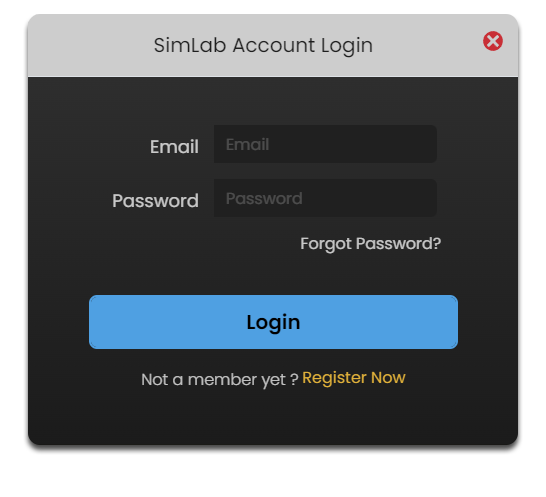


right.
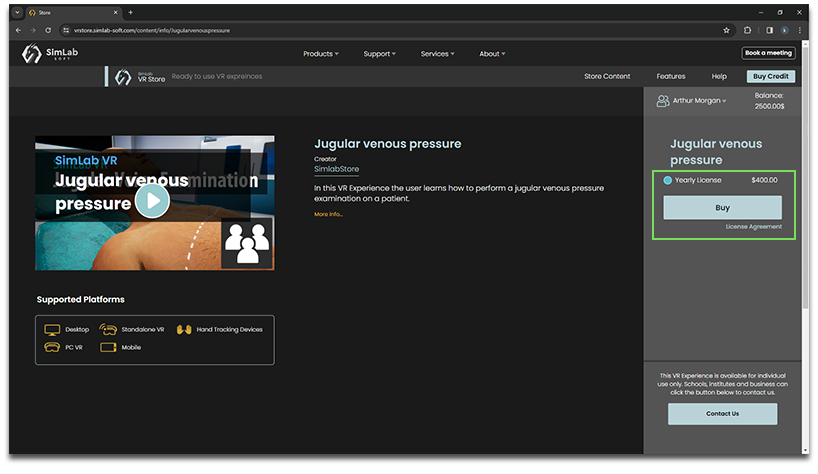
- To access purchased items, run SimLab VR Viewer and log into your SimLab account, then go to the Obtained Models tab where you can find purchased VR Experiences and those that were shared with you by other users.

VR Store on the Web
In Addition to accessing VR Store through SimLab VR Viewer you can browse and purchase VR Experiences through the Web Version of SimLab VR Store, Click here to go to the web version.
Buying and Adding Credits
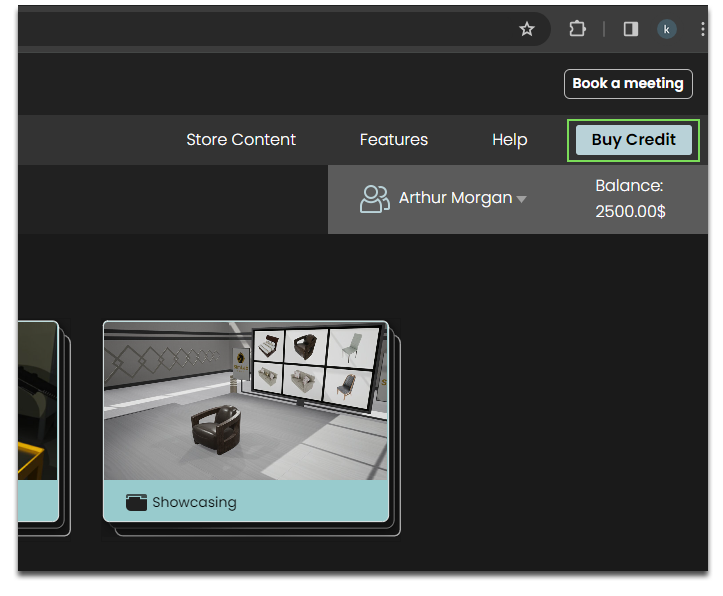
- The easiest method to top up your credit is to click on Buy Credit
whichatwillthedirecttopyouRight corner tothisaccesswebBalancepage where you can purchase credit safely and receive a Key.Management.
Once
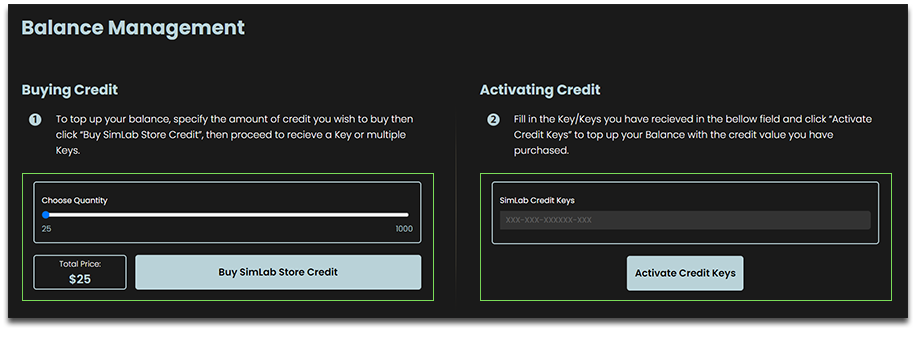

Alternatively, you can access this window by clicking one of the icons next to your avatar in the top right corner in SimLab VR Viewer and clicking Activate Services.
