Running the VR Experiences
Running the VR Experience
VR Experiences are run using SimLab VR Viewer.
SimLab VR Viewer is a free Cross-platform application that enables you to run VR experiences created using SimLab Composer and SimLab VR Studio, or VR Experiences that were acquired through SimLab Store.
To Run Acquired VR experiences:
- Run SimLab VR Viewer
- Login to your SimLab Account
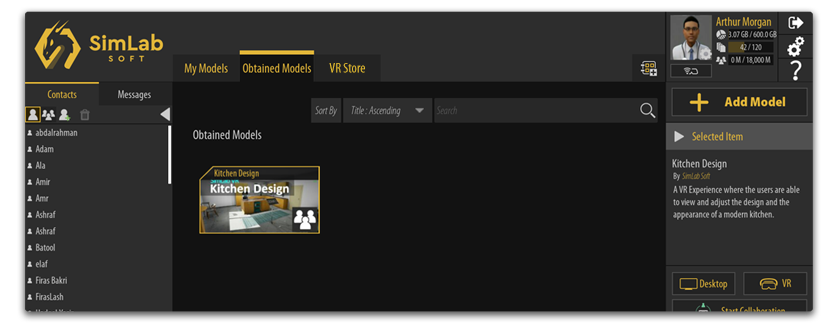
- Open the "Obtained Models" tab.
- Browse the catalogs to find the purchased/acquired VR Experience.
- Click the VR experience to see the running options based on the device you are using ( Desktop, VR, MR, 3D).then Select one of the options to start the VR experience.