Wondering about SimLab Composer and its Renderer?
SimLab Composer
- SimLab Composer is a powerful yet easy to use 3D application. It brings art closer to engineers and architects. SimLab Composer facilitates sharing 3D data among technical and none technical users by generating 3D PDF files, exporting to HTML/Web GL and exporting to Android/iPad. SimLab Composer enables users to create top quality rendered images, and it enables users to create great animations that can be used to create rendered movies, and animated 3D PDF files.
- SimLab Composer is supported on Windows and Mac operating systems.
Rendering
- It is the final process of creating the actual 2D image or movie from the prepared scene.
- It is the process of generating a 2D image from a 3D representation stored in a scene file.
- SimLab Composer processes the data (i.e. geometry, texture, lighting, etc.) contained in the scene file to output a digital image or raster graphics image file using one of the provided rendering methods.
- It’s represented as a workbench within SimLab Composer, which is accessible directly from the Workbenches Bar.
SimLab Rendering Preview
Why Go with SimLab Composer?
Because SimLab Composer is a powerful yet easy to use 3D application, it brings art closer to engineers and architects. SimLab Composer facilitates sharing 3D data among technical and none technical users. It generates 3D PDF files, WebGL-based HTML files, and exports to Android/iPad.
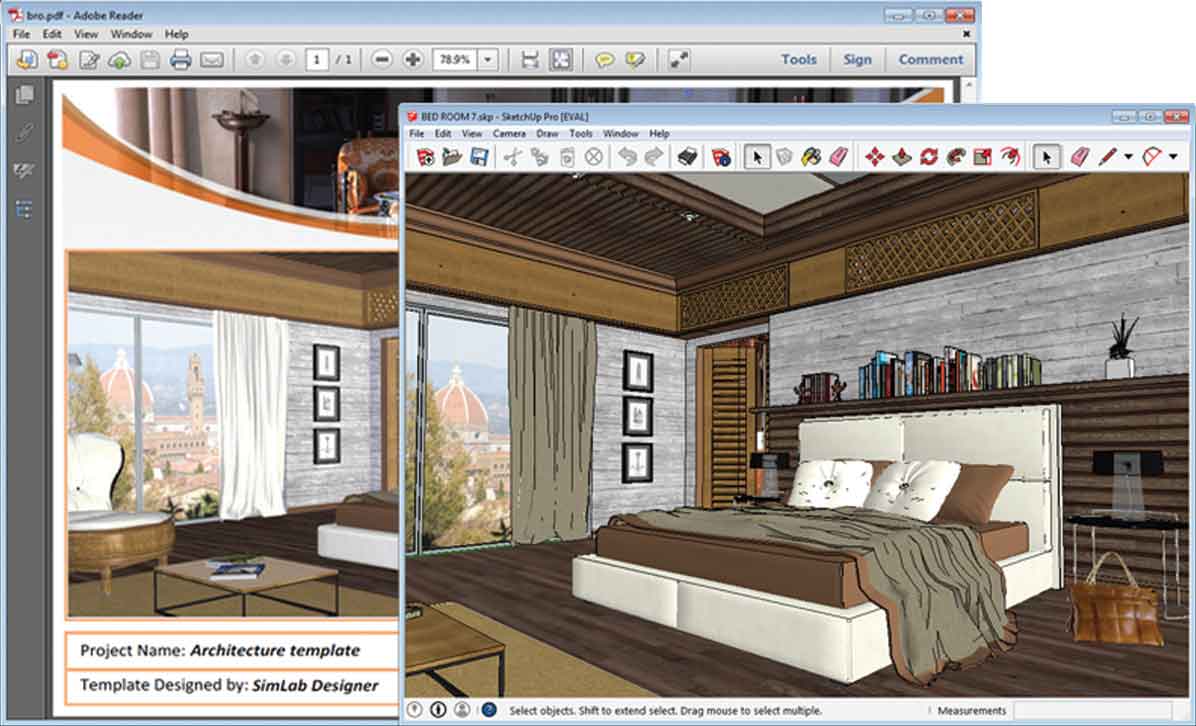
Real-Time Rendering
- The 3D PDF file gives you a great ability to share your work with everyone.
- It’s used to share 3D scenes prepared for demonstration, exhibition, advertisement, presentation or promotion.
- For showing configured scene states.
- Create a single 3D PDF file that can be viewed on Windows and Mac using the free Acrobat Reader, and on iOS and Android using the free SimLab CAD Viewer app.
Exterior Rendering
- Turn any 3D model to an interactive environment with a single click.
- Simulated collision with walls and furniture.
- Navigate using keyboard or space navigator.
- Save the walkthrough and render it as an animation.
- Export walkthrough to 3D PDF, WebGL, and iOS/Android.
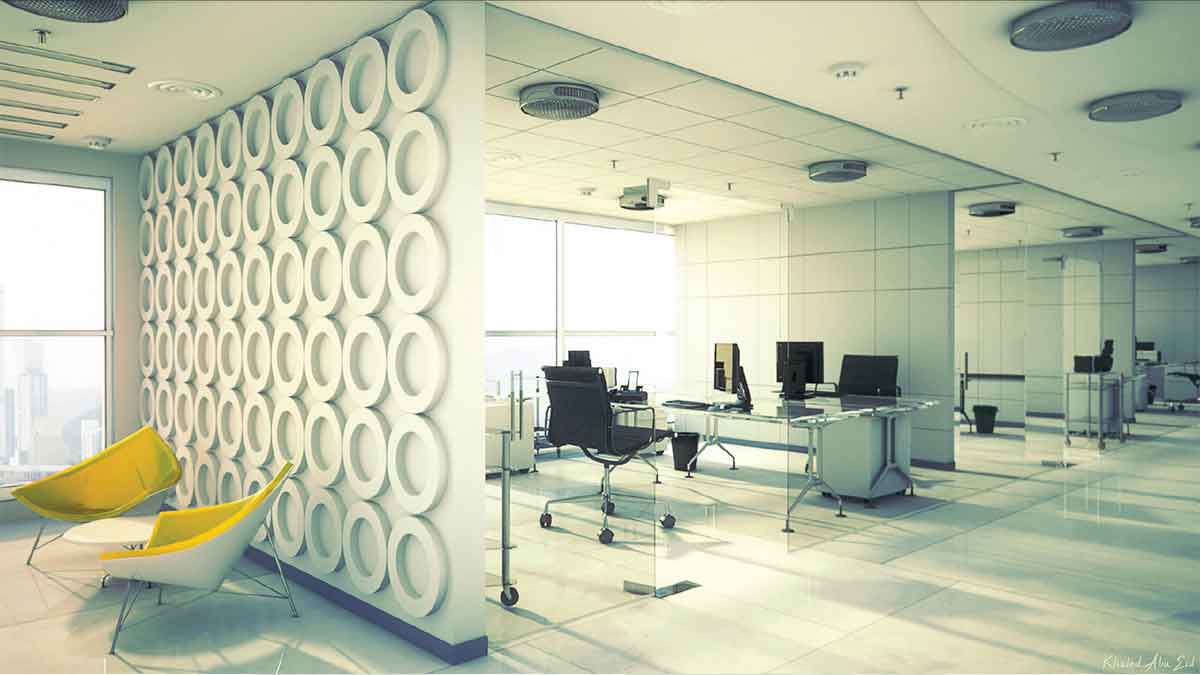
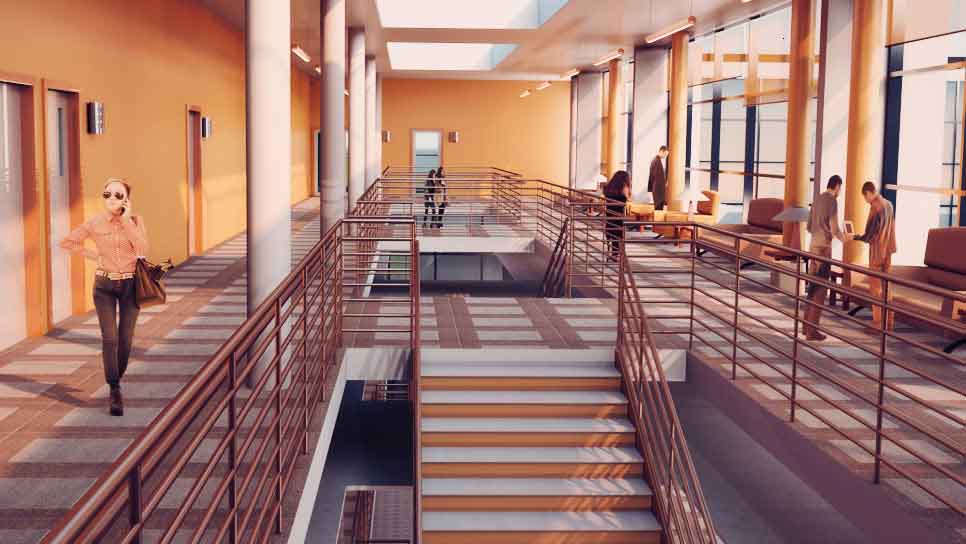
Interior Rendering
- A Billboard lallows you to create a geometry that is camera-aligned.
- The plane geometry linked to the Billboard will rotate around the local Z axis to face the viewer.
- Billboards allow you to add a large number of trees and characters to your scene, at little to no cost on your render time.
Bake Textures
- Realistic looking models in 3D PDF, WebGL, and phone/tablet devices.
- Smart Bake: Easy and smart baking algorithm.
- Fast or top-quality presets for geometry processing.
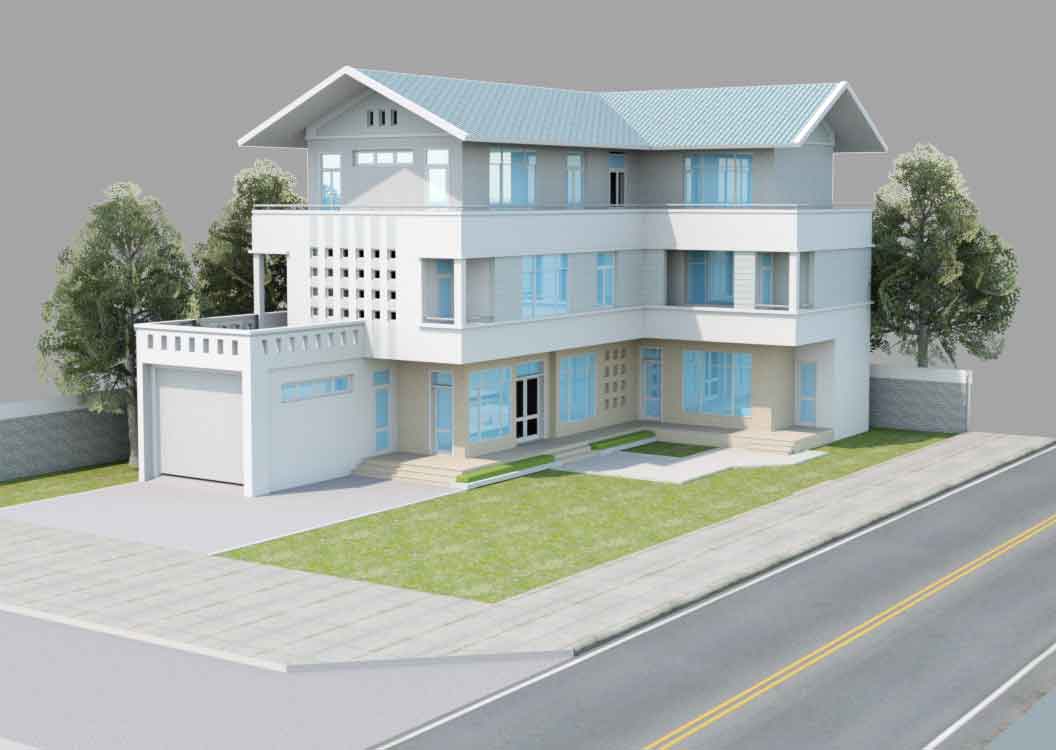
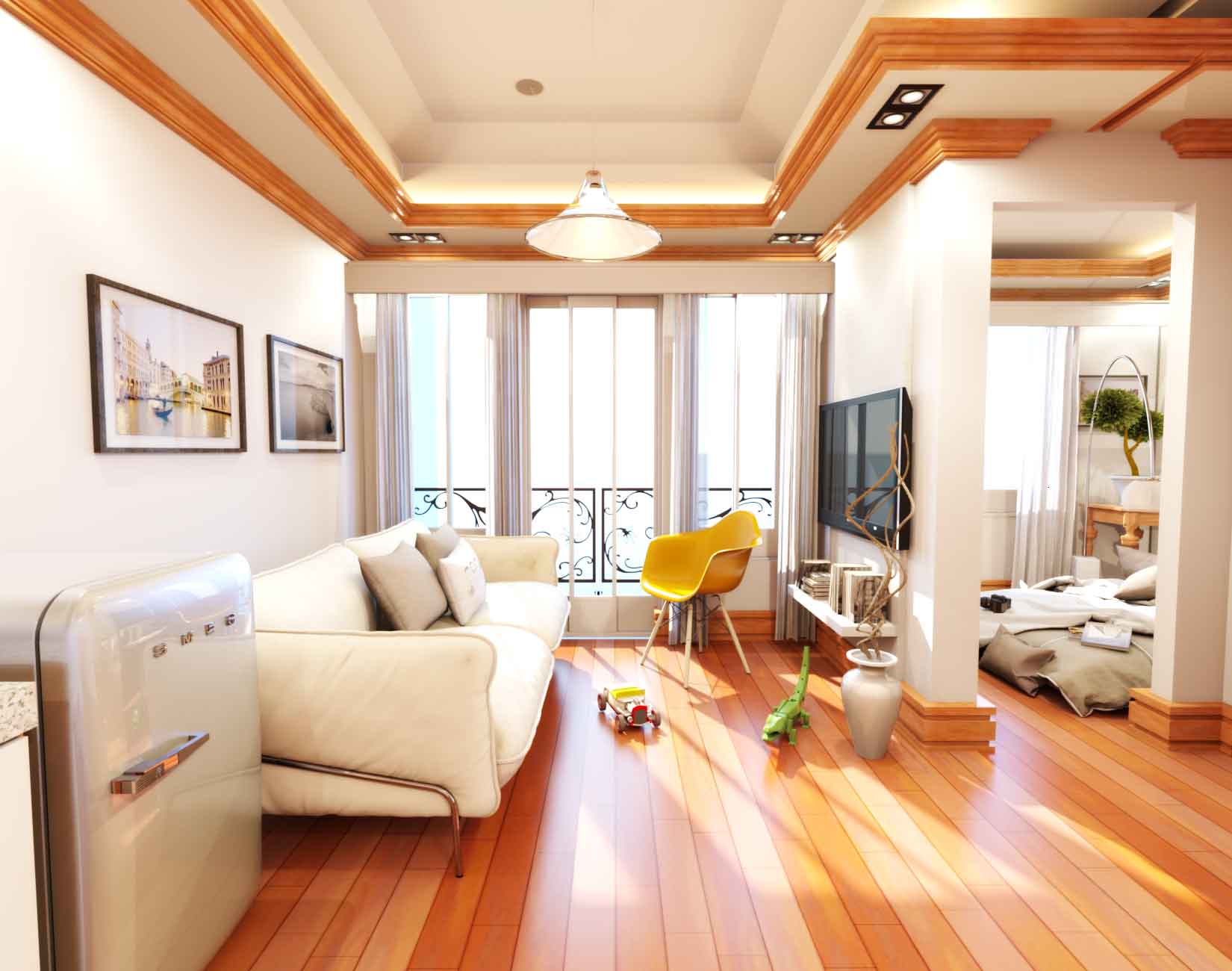
Real-time Rendering
- Save time with SimLab Composer rendering solution that produces beautiful, accurate, and consistent results.
- Advanced and easy to learn rendering.
- Compatible for interior and exterior scenes.
You Ask, We Answer
Why Rendering is Needed?
- To produce professional photo-realistic images.
- It is used for global lighting and scene rendering.
- For rendering either interior or exterior scenes.
- Rendering uses in architecture, video games, simulators, or movies.
How Rendering can be Done?
- Using the Rendering Workbench of SimLab Composer.
Why Go with SimLab Composer?
- Advanced and easy to learn rendering.
- Produces exceptionally fast and superior photographic quality images.
- Save time with SimLab composer rendering solution that produces beautiful, accurate, and consistent results.
- Compatible for interior and exterior scenes.
- Real-time Parameter configuration. This means that results of changing parameters can take effect during real-time rendering.
- SimLab Composer provides four rendering modes:
- Fast Path Tracer
- MIS Path Tracer
- Interior Renderer: very fast and high-quality renderer made for interior designers and architects. This rendering engine is used extensively in making realistic 3-D renderings for interior and architecture scenes. It uses a different render algorithm optimized to boost the rendering process speed, made especially for interior lightening by discarding calculations irrelevant to the interior part of the scene. This advanced rendering tool allows you to render such projects in less time with the same realistic output. When it comes to rendering interior or architectural scenes, the use of this renderer makes it preferable to the conventional renderers.
- Element Renderer
- Includes high quality . It is a powerful, fast, and easy to use that has full integration with SimLab Composer and optimally parallelized by taking advantage of all CPU cores available in the machine. It is in-app capability suitable for MCAD, interior and exterior rendering, producing top quality rendered images directly in the 3D Area.
- Real-time Clay View: it is a real-time rendering mode used for viewing the effect of lights in scenes, by changing all materials, except glass and emitter materials, to gray matt.
- Customizable rendering configuration: Render Max Depth, Automatic Locking Time, Image Ratio during navigation, Number of Participated CPU Cores in Rendering, Light Depth and Specular Depth for Interior Renderer Mode.
- Fully CPU based rendering: Allowing SimLab Composer to run on user's hardware. To learn more why SimLab Soft utilizes CPU rendering vs GPU rendering, please click here
- Render Scene States: this utility starts consecutive rendering for scene states defined in a scene.
- Animation Render: this utility starts rendering a defined animation. It allows you to render selected range of frames or all frames at once.
- Package Render allows you to distribute the rendering task of complex animations among a number of machines.
- You are capable to pause and resume a rendering task.
- At any time during real-time rendering, you are able to capture image from 3D area and save it into your disk.
- Global environment lighting in SimLab Composer are:
- HDR Environment is the easiest method for achieving photo-realistic views of MCAD and studio shots of a product. A collection of HDR environments is available in the library panel.
- Sun Environment simulates physical sky at different sun angles (Solar Elevation). The sliders of the parameters of this environment option make it easy for the user to view the effect of each parameter in real time. Multiple parameters for controlling the sky: Albedo, Turbidity, Solar Elevation, Solar Horizontal Angle, Sky Strength and Sun Strength, Render Solar Disc.
- Ground properties:
- Shadow: ability to determine color and strength of the generated shadows on the ground.
- Reflection: ability to turn ground into a reflective plane.
- Backgrounds for rendering can be from environment, Single Color Background, Image, and Spherical.
- Built-in image effects such as Vignetting, Gray Scale, Edges, Blooming, Cool, Warm, and Saturation.
- Possibility to set up format and dimension for Output Images.
- General render settings for quick start up.
- Show real-time renderer statistics during real-time rendering.
Watch below Tutorials
Try SimLab Composer. It's Free*.

* Free for 21 days
Buy SimLab Composer Today