


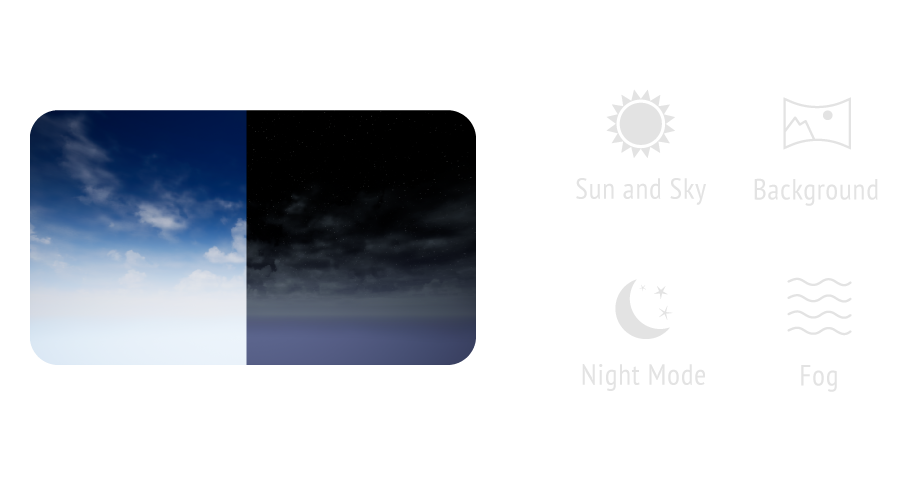
Environment Control
Control Sun & Sky, fog, and HDR lights in real time while inside VR.
Get it directly from Google Play Store
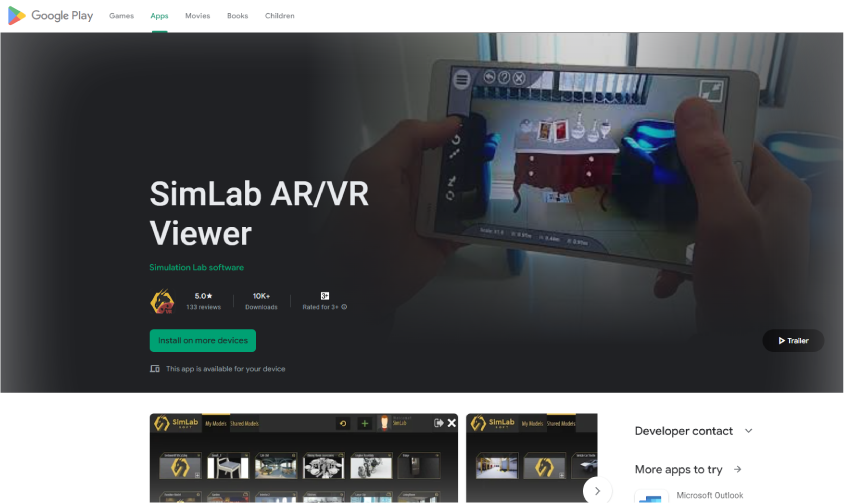

Or get the APK (dev mode) from this link





Get started in seconds
Choose your platform — install, open a .vrpackage, and you're inside the scene.
What is SimLab VR Viewer?
SimLab VR Viewer is a free, standalone, cross-platform application that runs SimLab VR experiences — .vrpackage files created with SimLab Soft products.
It also includes optional cloud storage for pro users so you can sync and share your scenes anywhere.
All features
Powerful tools for architects, product designers, and educators — all working live inside the immersive scene.
Control Sun & Sky, fog, and HDR lights in real time while inside VR.
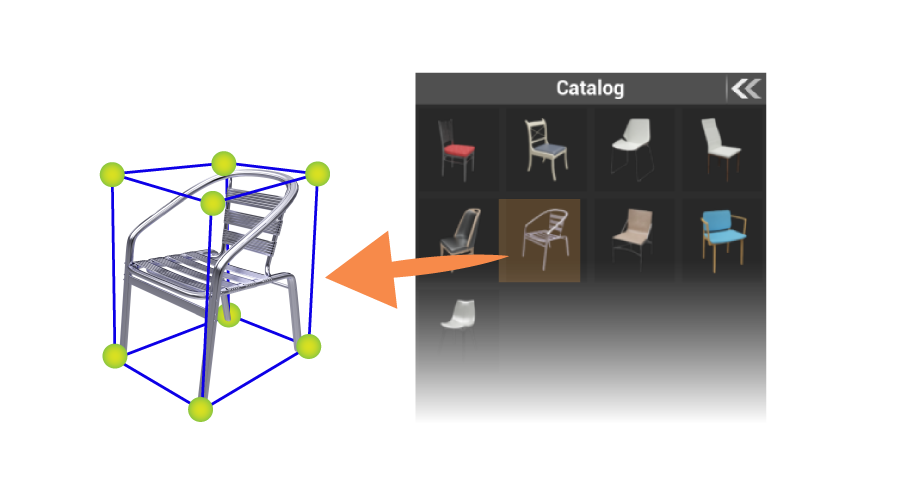
Drop in local and online interactive 3D models to complete any scene.
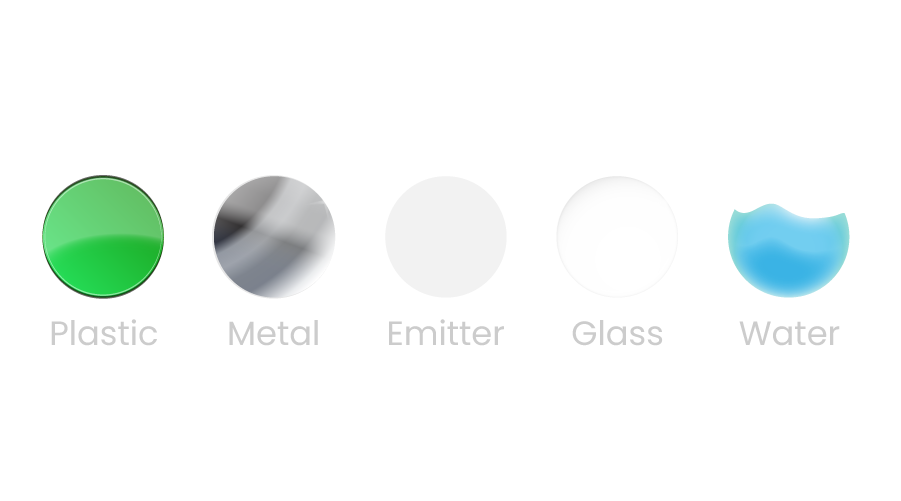
Edit material properties live in VR — swap types and apply with built-in pick tools.
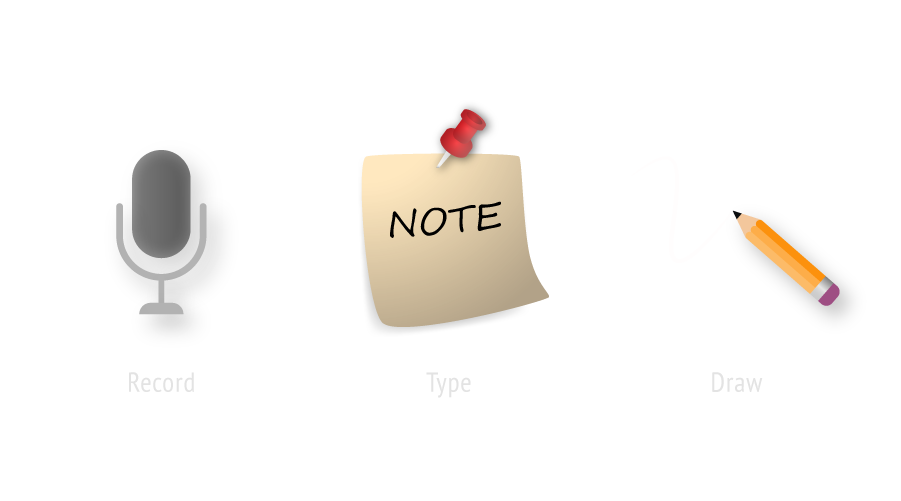
Leave notes in the scene to share ideas and feedback between client and designer.
Walk, jog, run, fly, or turntable view — fully immersive exploration in any style.

Draw a line between any two points to measure real distances in the scene.
Getting started
Find guided training walkthroughs for your setup right inside the VR Viewer. Learn how to add your own models through the SimLab VR Guide.
FAQ
Yes — completely free. Every user, on every supported platform, can open and explore public SimLab VR experiences (.vrpackage files) and any experience shared with them, at no cost.
Cloud storage is the only optional paid add-on, needed only if you want to upload and share your own scenes. More about our VR platform
A .vrpackage is a complete 3D VR scene authored in SimLab Composer. A single file holds everything — 3D models, textures, environment settings, interactive elements, and the package title and description.
Open it in SimLab VR Viewer on PC, smartphone, or VR headset. It's also the core of SimLab Sharing, where you upload, manage, and share VR scenes.
macOS, Windows 64-bit, iOS, Android, HTC VIVE, Meta Quest devices (Quest, Quest Pro), Pico VR, and Mixed Reality headsets.
SimLab Cloud Storage is where you upload your VR scenes to access them from any platform — share your outputs across devices and with other users.
More about SimLab Sharing →No. The Viewer is a standalone tool that opens .vrpackage files on its own. Cloud storage adds the ability to share your work across devices and with others — entirely optional.
Our step-by-step guide walks you through installing and running VR Viewer on Meta Quest from setup to first launch.
Read the Quest guide →SimLab provides full documentation for the VR Viewer in the help center.
Open the documentation →Download SimLab VR Viewer and open your first VR experience in minutes — on whatever device you already have.
Download free →