
 3ds Max plugin, with Simlab quality
Simlab 3D Plugins \ SketchUp importer for 3ds Max
SketchUp for 3ds Max

About SketchUp for 3ds Max Plugin
Benefits
SketchUp importer for 3DS plugin enables the user to add SketchUp import capability to Autodesk 3DS.
Add Artistic touch to your SketchUp models
Use SimLab SketchUp Importer for 3DS Max, to add the artistic touch to your SketchUp models in 3DS Max powerful environment. Assign advanced materials, add 3DS objects, and Create high quality renders.
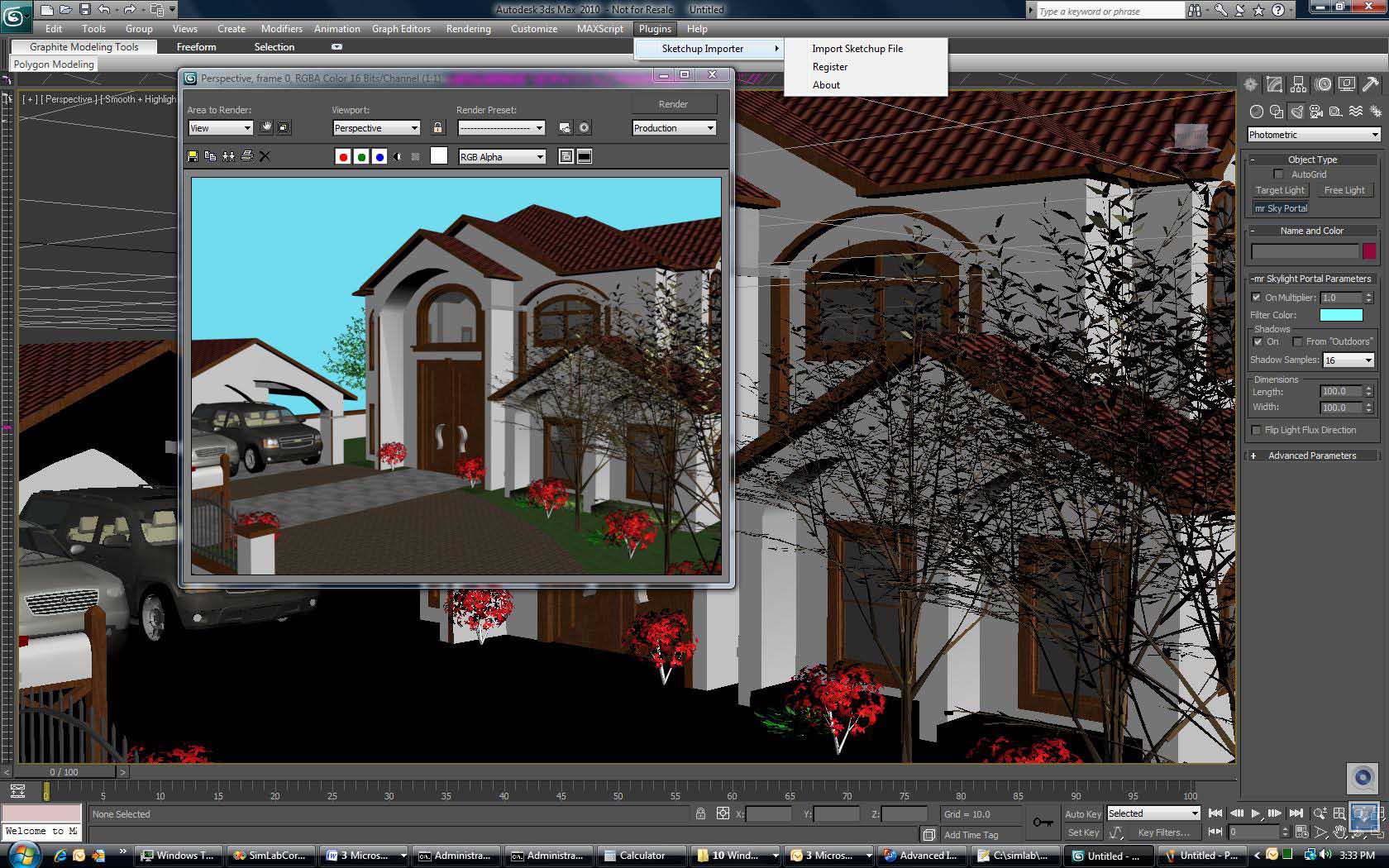
Extend the power of 3DS Max
Get access to a great variety of free high quality SketchUp models, available in the 3D Warehouse, and use them to complete your 3DS Max scenes.
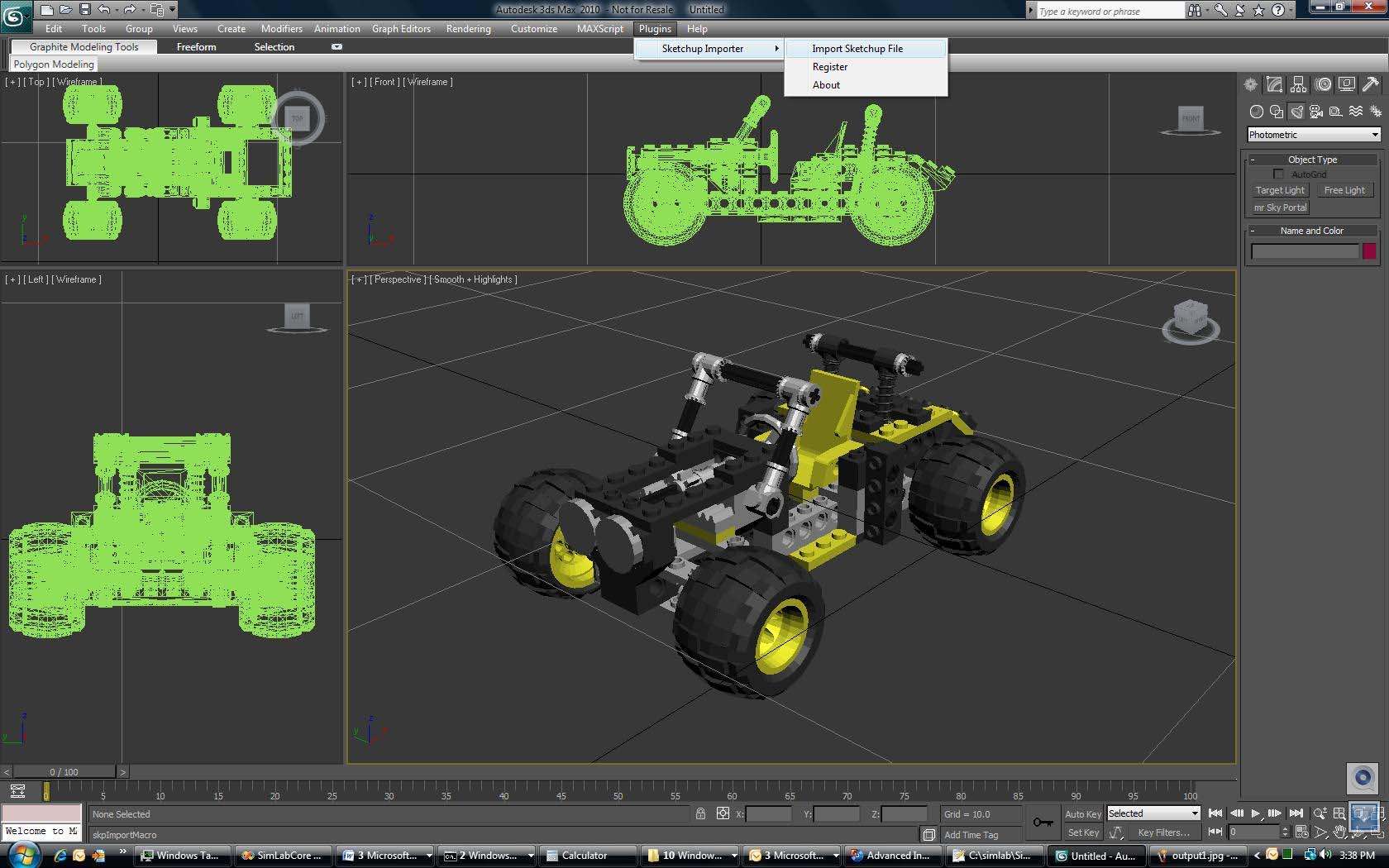
High Quality and Great price
SimLab Soft works hard to insure the highest quality of its 3D products and plug-ins, but do not take our word for it, try the plug-in and make sure that it is able to handle your large models. The price for the commercial license of the plug-in is $95, we believe this is a great price for adding SketchUp support to your 3DS Max environment.
How to use the plugin?
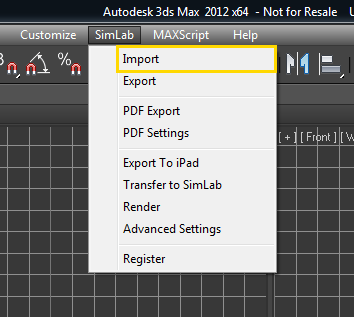
After installing the plugin, it automatically registers itself in Autodesk 3DS, and adds the new top level menu SimLab. The user will be able to import SketchUp models by clicking the menu SimLab -> Import.
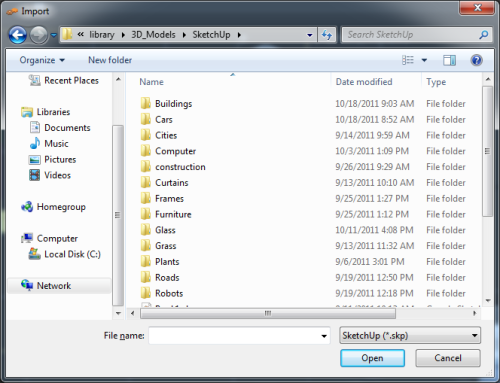
The Import window will open, select SketchUp as the file type to be imported, then browse to the file folder and open it.
Great Value
The price of the professional license of the plugin is $99. With a single professional license; the user is eligible to activate the plugin on two different machines.
The plugin includes a free version of SimLab Composer 3D PDF edition. For more information about SimLab Maya plugin great features, and how to request a license, click here.