Complete 3D Visualization Software for Rendering, Animation & VR
SimLab Composer
Simlab Composer is a complete, easy, affordable and feature-rich complete 3D visualization software having all the tools you need for importing your models from diverse CAD formats then creating dynamic visualization.
Also empowering you to transform your designs into renders, interactive 3D PDFs, and creating fully interactive code-free VR training simulations for various industries and Simulation VR training sessions.



Features

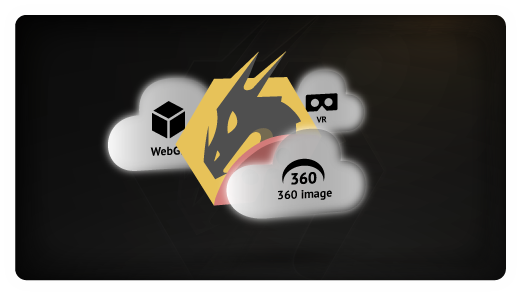
Cloud Sharing
Share your visualization outputs into your devices and with other users

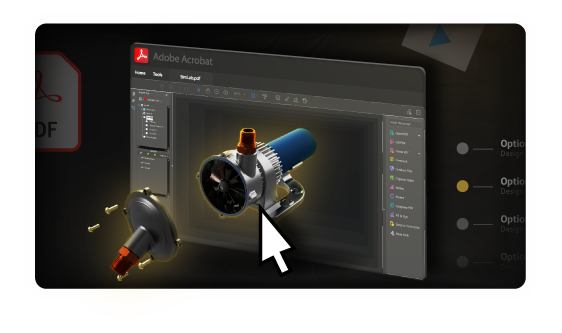
3D PDF
Export your interactive 3D models into 3D PDF Files and show options and animations.
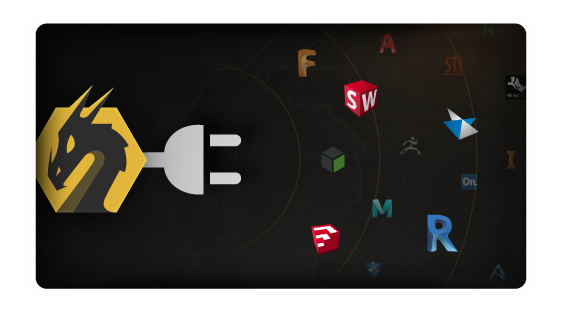
Integration with CAD
Connect your CAD software directly to SimLab Composer and have great visualization outputs.
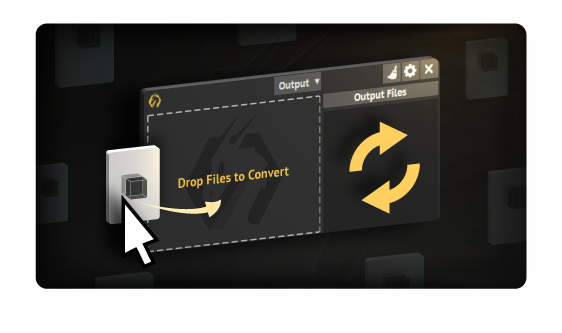
CADVRter
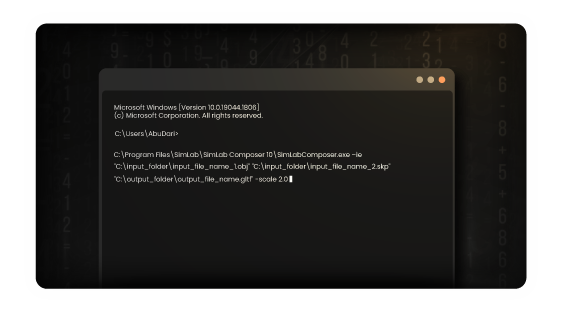
Stand-Alone 3D/CAD/VR Format Conversion Tool for CAD files. 3D CAD to glTF converter and more, CAD to VR model translator.
Intuitive Scene Building and 3D Model Organization
Scene Building
Intuitive and fast tools to build and organize your scenes the way you want.
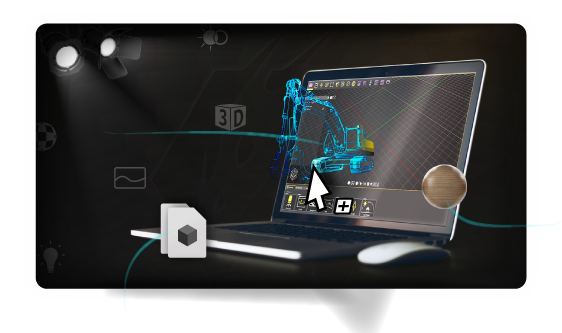
Animation
Add life to your scene by creating and controlling animations on all elements.
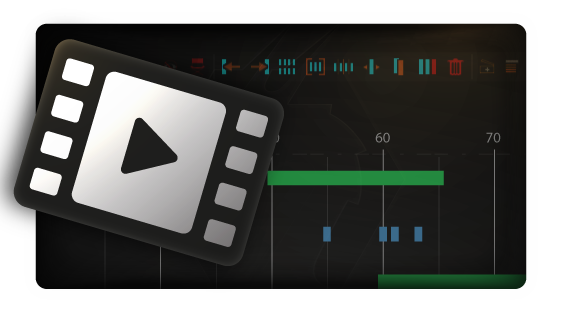
Simulation
Simulate your designs with an easy work-flow, create solids, add joints, run simulations, plot data, and much more.
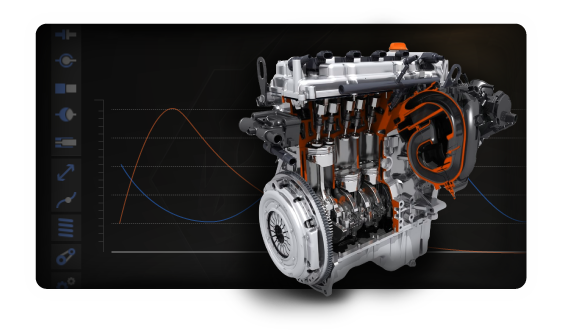
Powerful 3D Rendering and Photorealistic Visuals
3D Rendering
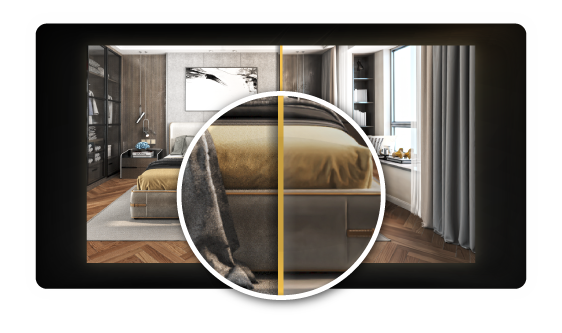
Smartest, easiest, and fastest way to create premium high-quality renders, real-time 3D rendering, SimLab Composer is also a photorealistic rendering tool, helping in architectural rendering and VR.
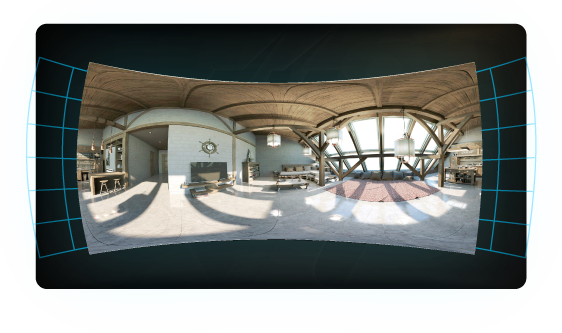
360
Give immersive views by rendering your scenes into 360 images and 360 grids.
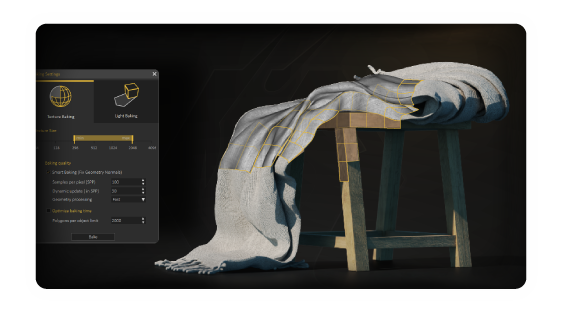
Texture/Light Baking
Give your 3D scenes and models a realistic look on all devices.
VR Creation and Interactive Experiences
VR Creation
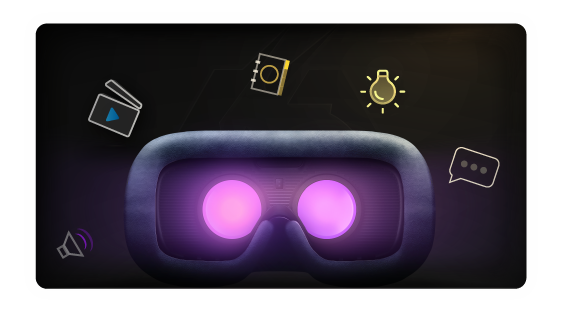
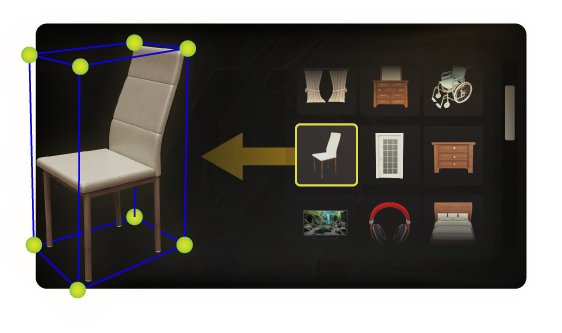
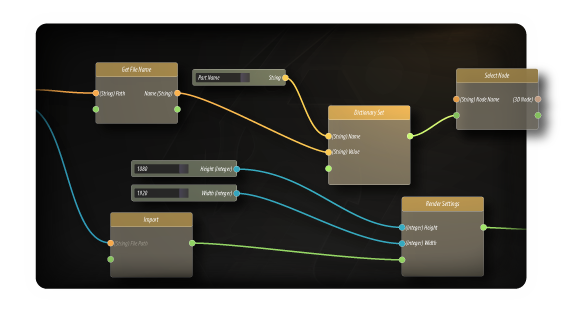
Create, view, share, and bring your VR experiences to life very fast and without writing a single line of code, VR Development for Training and Product Visualization.
Frequently Asked Questions about SimLab Composer
What is SimLab Composer and what are its main uses?
SimLab Composer is an all-in-one 3D visualization software that simplifies the process of transforming your 3D designs into stunning visual and interactive experiences. Its primary uses include generating photorealistic 3D rendering, creating highly interactive 3D PDFs for easy sharing, and building immersive code-free VR training simulations for diverse industries. It serves as a complete 3D design tool for professionals across architecture, engineering, product design, and more.
Can SimLab Composer convert CAD files to interactive 3D PDF?
Absolutely. SimLab Composer is a powerful tool for converting CAD files to interactive 3D PDF. It supports numerous CAD software formats, enabling you to transform complex engineering and architectural models into lightweight, shareable 3D PDFs. This feature is invaluable for design review collaboration, client presentations, and documentation, as recipients can view and interact with the 3D model directly in a standard PDF reader without needing specialized 3D design tools.
How easy is SimLab Composer to learn for beginners who want to learn VR with 3d
SimLab Composer is specifically designed to enable code-free VR training simulations. You don't need any programming knowledge to develop highly interactive and immersive virtual reality environments. Simply import your 3D models, use SimLab Composer's powerful tools to define object behaviors, create scenarios, and add voiceovers. This makes it ideal for VR for vocational training, industrial safety training, and educational VR content creation across various industries, providing an accessible pathway to advanced VR solutions.
What 3D file formats does SimLab Composer support for import and export?
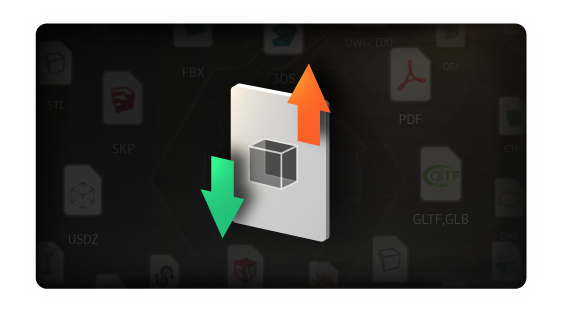
SimLab Composer boasts extensive 3D model import export capabilities, supporting over 25 different 3D file formats. This broad compatibility ensures seamless integration with your existing workflows, whether you're working with CAD software like SolidWorks, SketchUp, Revit, or general 3D design tools that use formats such as FBX, OBJ, 3DS, and GLTF. This flexibility makes it a versatile 3D model converter and visualization hub for diverse projects, here is the full list.
Can I use SimLab Composer to export mechanical models to other 3D formats?
Yes, SimLab Composer not only imports but also supports extensive 3D model export to various formats, including 3D PDF, FBX, OBJ, and more. This flexibility allows you to share your visualized or simulated mechanical designs with stakeholders who may use different software, enhancing design review collaboration and compatibility across platforms.
How does SimLab Composer handle large mechanical assemblies during import?
SimLab Composer is optimized to efficiently handle large mechanical assemblies. It provides tools for simplifying models, optimizing geometry, and managing scene complexity, ensuring smooth performance during import, 3D rendering, and VR experience creation. This makes it a reliable solution for complex engineering visualization projects.
Can I convert my mechanical CAD designs into VR experiences with SimLab Composer?
Absolutely. SimLab Composer is a leading CAD to VR conversion tool. You can effortlessly transform your mechanical CAD designs into fully interactive, code-free VR training simulations or immersive product design reviews. This capability is vital for industrial VR training, virtual prototyping, and engaging mechanical design visualization without needing any programming.
Does SimLab Composer maintain assembly structure upon CAD import?
Yes, SimLab Composer is designed to intelligently maintain the assembly structure of your imported mechanical models. This crucial feature allows engineers and designers to work on specific components, sub-assemblies, or the entire assembly within SimLab Composer, preserving the original design hierarchy from your CAD software. This ensures a smooth transition from CAD to visualization and simulation workflows.