SimLab ComposerFrom 3D model to interactive experience — in minutes, not months.
SimLab Composer consolidates mechanical simulation, code-free VR authoring and photorealistic visualization into a single application. Import from over 30 CAD and 3D formats, and produce validated assemblies, immersive experiences, training programmes and rendered output from the same scene.
Fully featured · No credit card required · Windows & macOS
Included in every edition
From CAD file to finished experience in three steps
One workflow replaces the chain of converters, render tools and game engines most teams stitch together today.
Import
Open native and neutral files from 30+ formats — SolidWorks, STEP, IGES, Inventor, CATIA, Revit, SketchUp, Rhino, FBX, OBJ, glTF — with assembly structure and metadata intact.
View supported formats →Create
Apply materials and HDR lighting, build scenes, animate mechanisms and add interactivity with visual scripting — no programming at any point.
Share
Publish renders, animations, 360 images, interactive 3D PDFs, WebGL pages and VR packages your audience can open on desktop, mobile or headset.
Explore the WebGL gallery →Everything your team needs to show the design
Rendering and animation, interactive documents, web experiences, VR and automation — in a single licence.
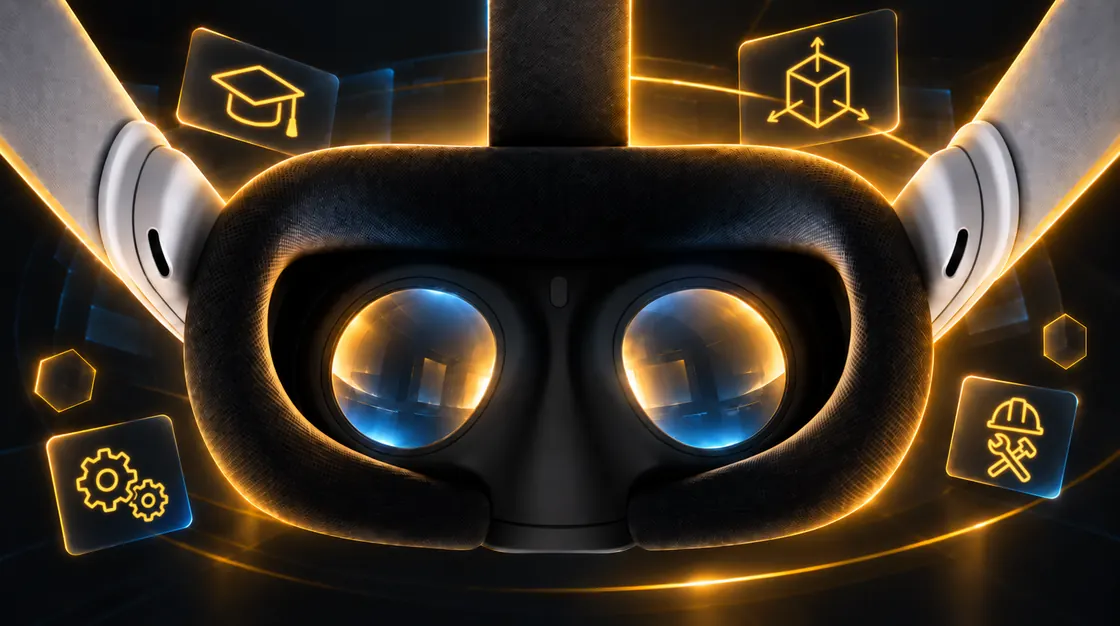
VR Creation
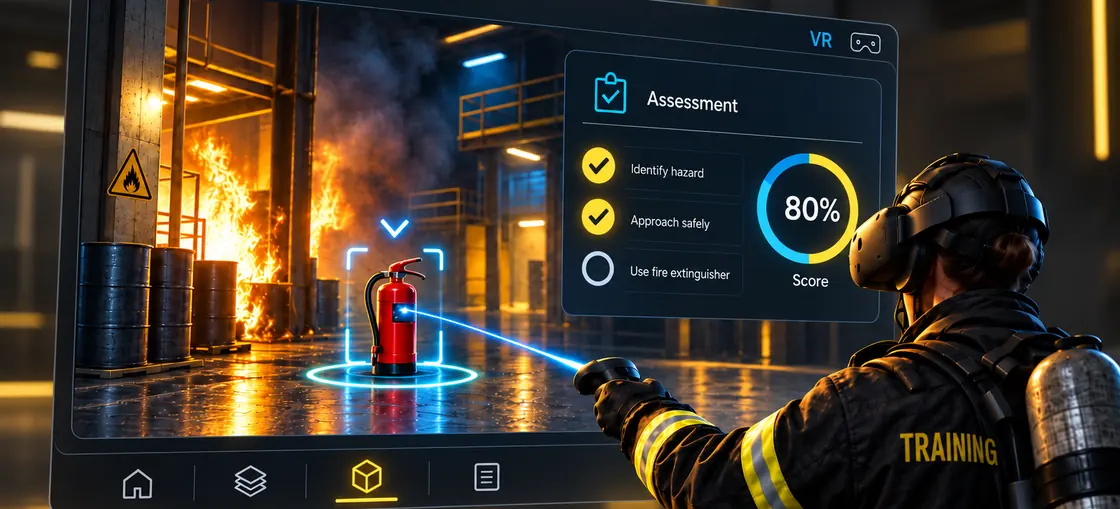
Train and review at 1:1 scale, code-free
→Build interactive VR training and design-review sessions visually.
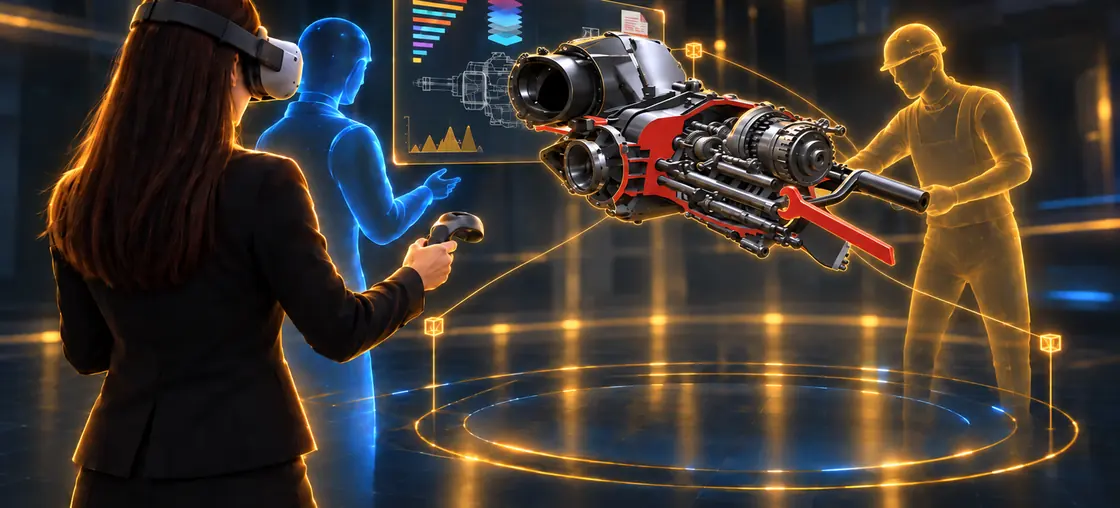
→Multi-user rooms so distributed teams review the same model together.
→Free SimLab VR Viewer on Quest, Pico, PC VR, desktop and mobile.
Photorealistic Rendering
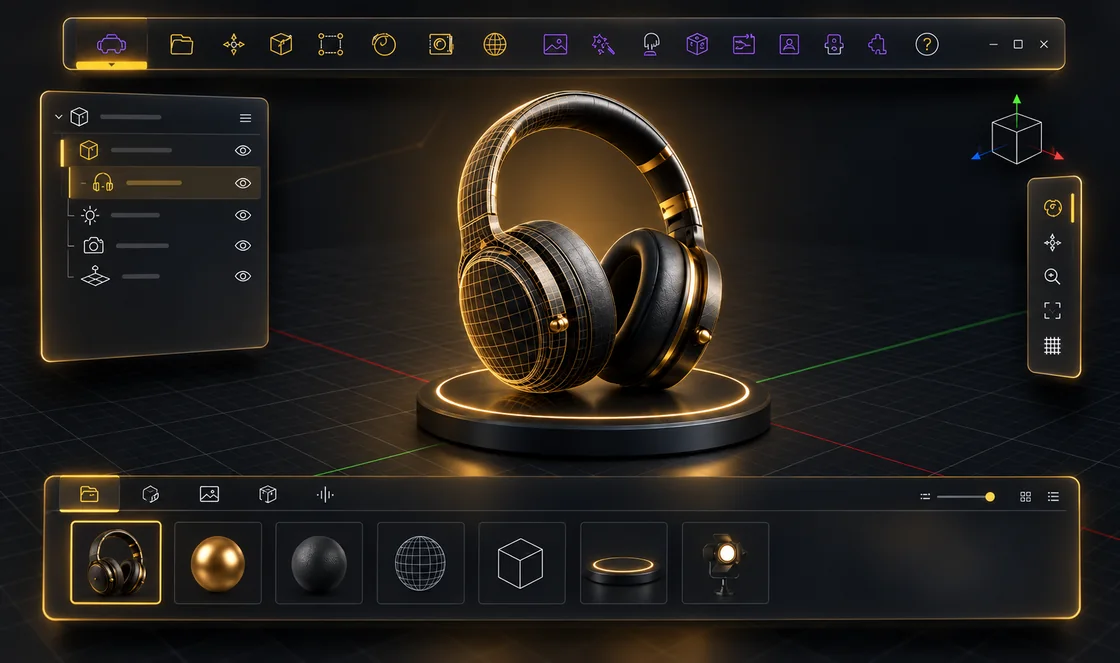
Sell the product before it exists
→Real-time preview for fast decisions, high-quality output for final imagery.
→Display the product in VR and XR at real-world dimensions, reviewed at true scale before a prototype exists.
→1000+ physically accurate materials and HDR environments, ready to drop on.
→Render stills, turntables, 360 images and grids from the same scene.
Animation
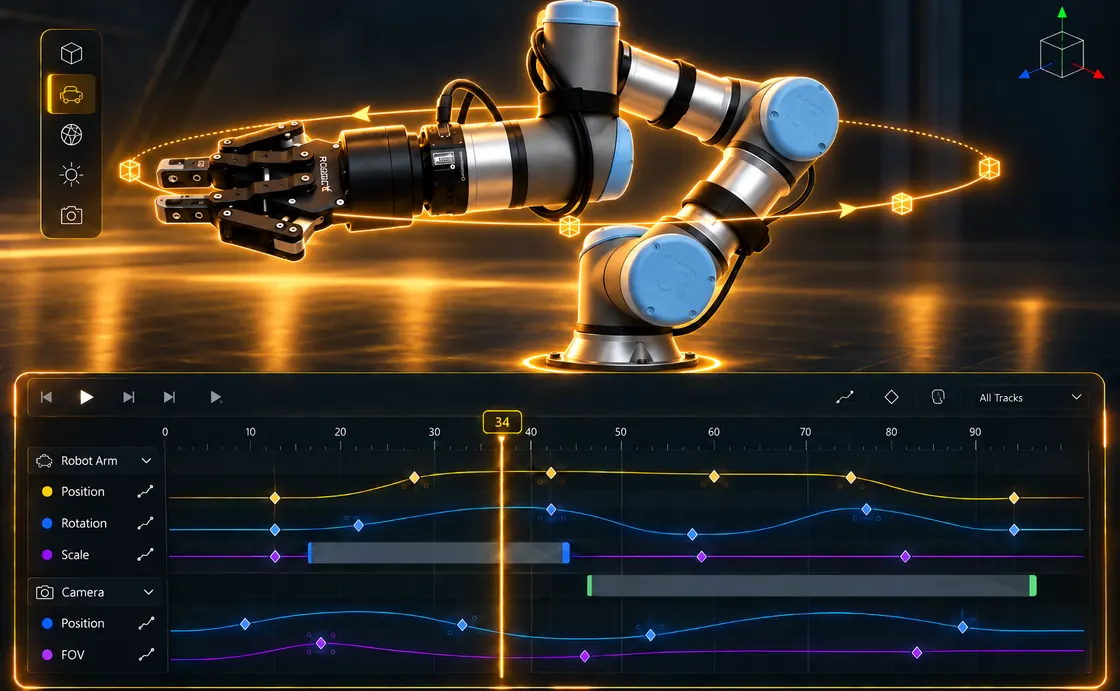
Explain how it works, in motion
→Keyframe any element — parts, cameras, lights, materials.
→Sequences and mechanical animation for assembly and maintenance stories.
→Export video, or reuse the same animation inside 3D PDF, web and VR.
Interactive 3D PDF
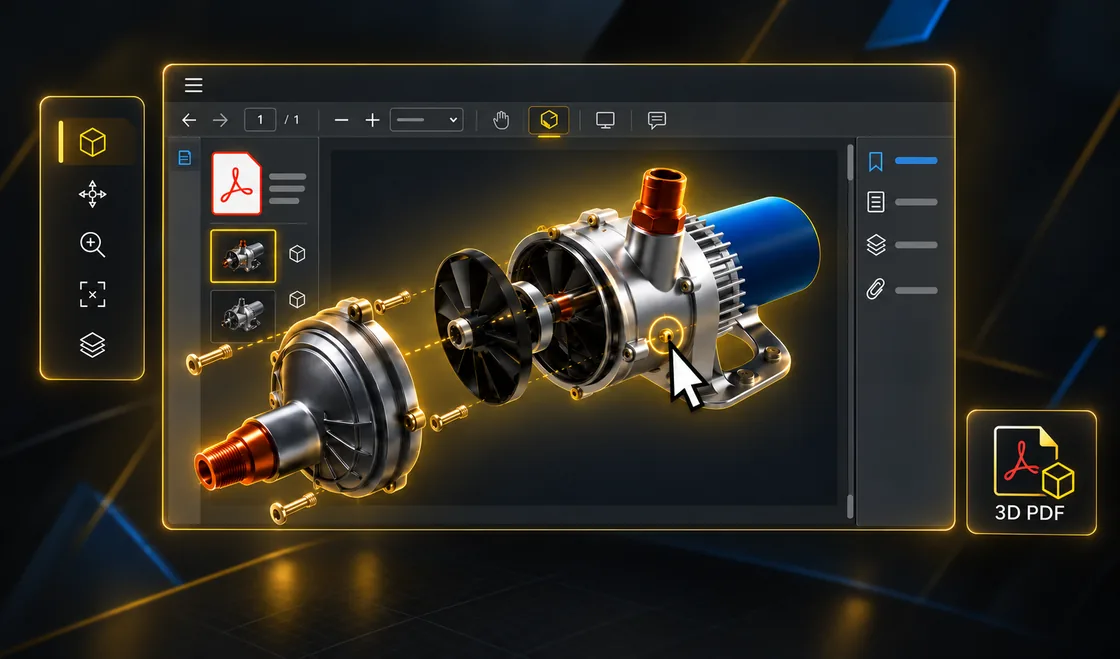
Send a 3D model anyone can open
→Recipients rotate, section and measure the model in a standard PDF reader.
→Templates for quotations, technical documentation and design review.
→Views, states and animations travel with the document.
Web & WebGL Sharing
Put the model on any screen, with a link
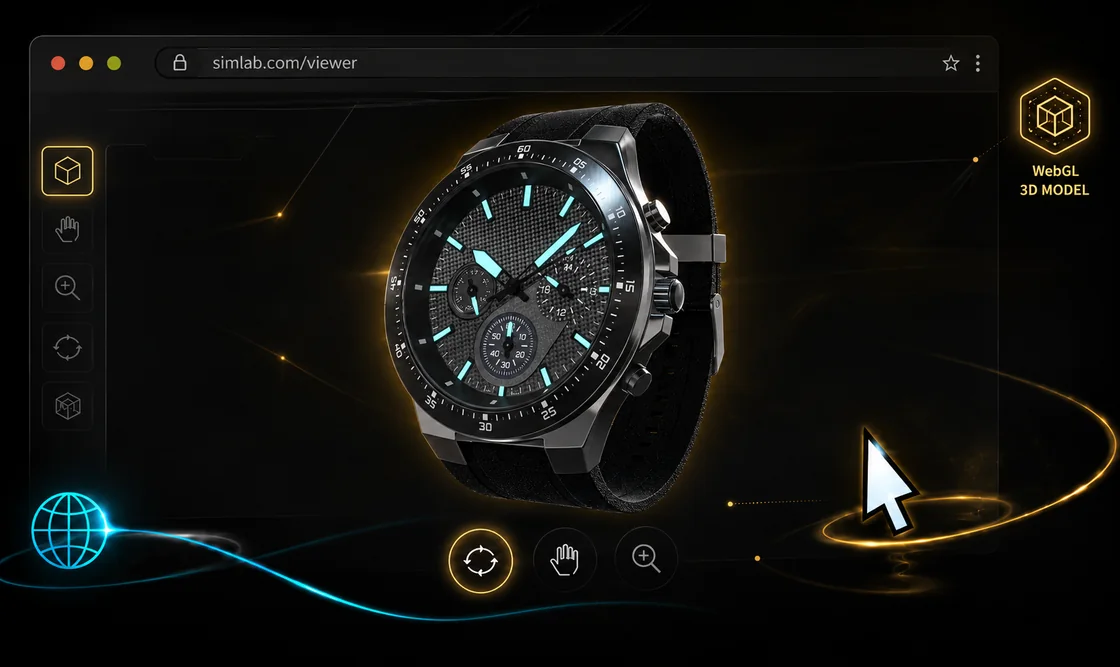
→Interactive WebGL scenes that run in the browser — no plugins, no installs.
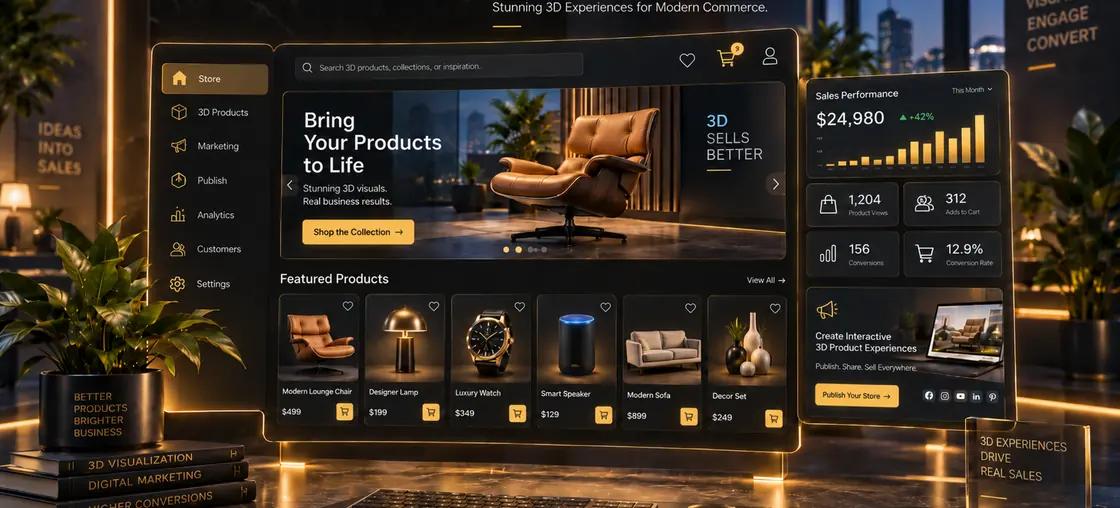
→Build product configurators with options, materials and pricing states.
→Publish to SimLab cloud sharing or embed in your own site.
Automation & Scripting
Do the repetitive work once
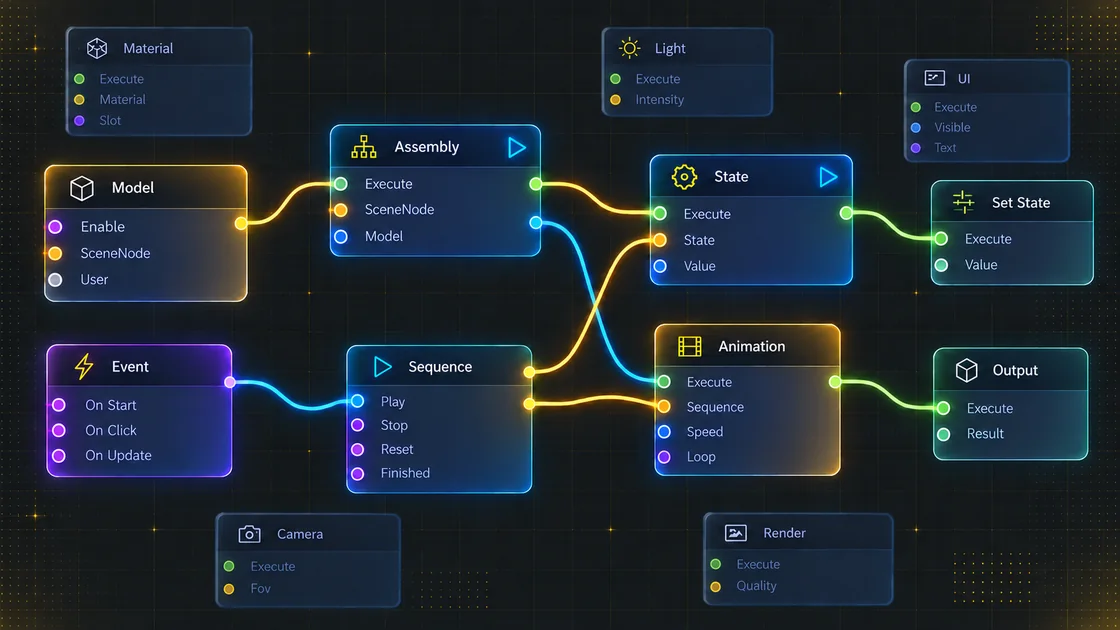
→Visual scripting for behaviours and batch tasks, with no code.
→Python for deeper control of scenes, materials and exports.
→Command-line batch processing for overnight conversion and rendering.
Data Security
Your models never have to leave your machine
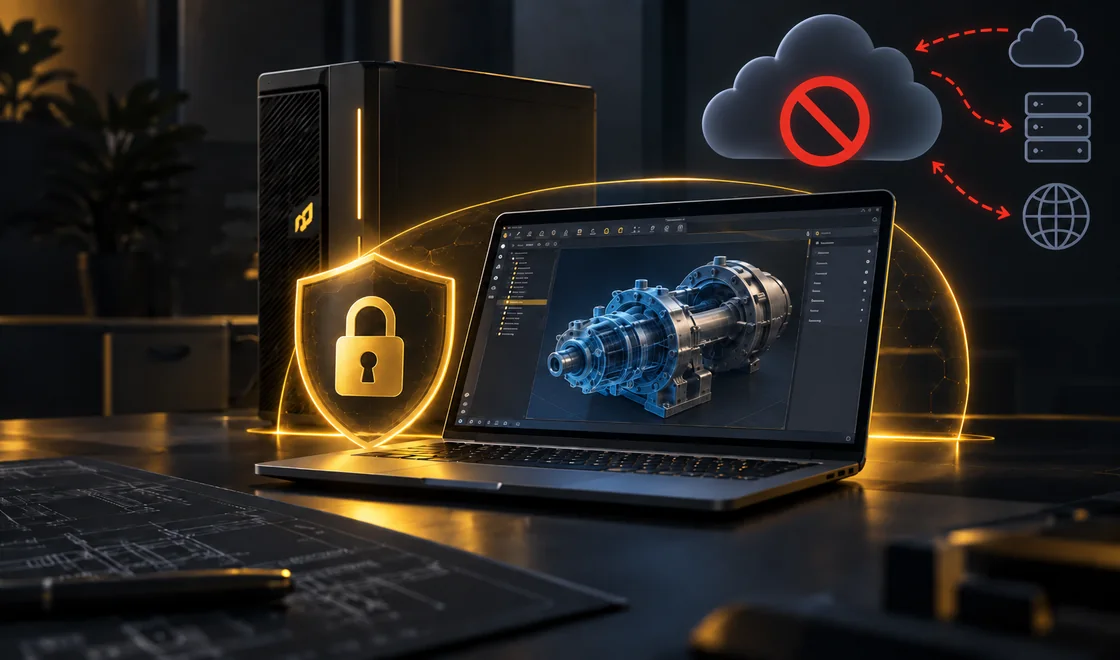
Every step — import, conversion, rendering, animation, 3D PDF and VR packaging — runs locally on your own hardware. No cloud upload of your 3D or CAD data is required at any point.
→Confidential and export-controlled geometry stays inside your network.
→Full desktop processing — no per-render cloud queue or usage metering.
→Works offline, and fits IT policies that prohibit third-party uploads.
Batteries included
Everything you need for a complete solution is in the box — no add-ons, no developers, no extra viewers to buy.
No-code creation
Build scenes, interactions and VR training visually — no programmers needed.
Share anywhere
One click to web, 3D PDF, VR package or image — recipients need no license.
Runs on any device
Desktop, mobile, browser and VR headsets — Quest, Pico, PC VR — via the free SimLab VR Viewer.
Collect & review results
Training sessions and quizzes report learner results back to you for review and grading.
Use cases for your discipline
Same application, different outcomes. Start from the workflow that matches your team.



Editions
Editions and licensing
Import breadth, VR depth and automation scale with the edition. The Free edition stays free; paid editions are billed annually and can be trialled fully featured for 21 days with no credit card. Upgrades are available at any time.
Free
Free
Your best free path for innovation
Scene building and basic import, with rendering and VR creation limited and watermarked. Export, 3D PDF, animation and texture baking are not included. 3 cloud models for one year.
Get it free →Pro
$119 / year
Make your 3D interactive
Adds full-quality rendering, export, 3D PDF, animation, texture baking and CAD integration. VR creation is included, but output still carries a watermark. 3 cloud models for one year.
More details →Mechanical
$599 / year
Simulate your model
Everything in Pro plus mechanical import and simulation, 360 output, a removable watermark, and the VR training builder with physics, quizzes, anchors and LMS integration. 10 cloud models.
More details →Ultimate
Most complete$1,199 / year
Have it all
Everything in Mechanical plus ultimate import, CADVRter, visual scripting, automation, command line, multi-user collaboration and the complete VR toolset. 30 cloud models.
More details →Prices shown are annual subscriptions. Compare all editions side by side, or request a 30-minute consultation.
Training & onboarding
Structured onboarding, built into the application
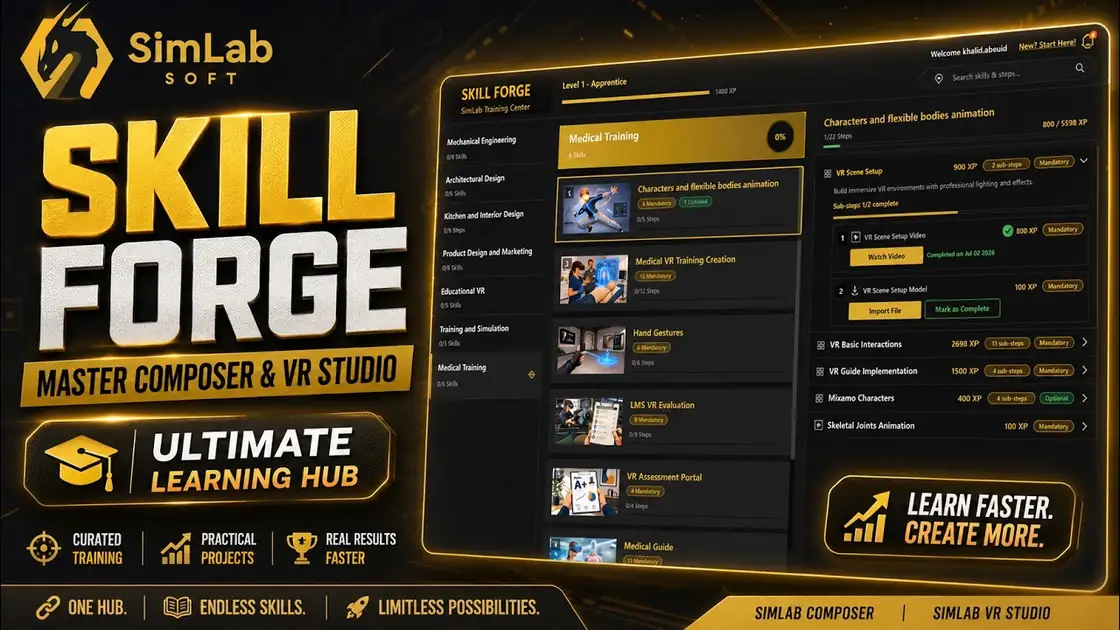
Skill Forge is a guided learning platform included with Composer at no additional cost. Video lessons are paired with the sample models they reference, allowing a first scene to be produced on the day of installation and progressing to complete assembly and training procedures.
→Discipline-specific tracks for engineering, VR and visualization
→Ready-to-open sample models accompany every lesson
→Progress tracking that persists across sessions
Common questions
Frequently asked questions about SimLab Composer
Getting started
Three ways to begin
Learn it in Skill Forge
Guided lessons and sample models are included with the installation.
See how Skill Forge works →See it on your own model
Submit a CAD file in advance and it will be reviewed, then opened live in Composer during the session.
Book a 30-minute demo →Simulate · Author · Publish
One model, all the way to everyone who needs it.
Developed and supported by SimLab Soft since 2007. Begin with the free trial, or request a walkthrough on your own model.
21 days · Fully featured · No credit card required